
Given that remote work is predominantly labelled with the low-productivity tag, workers often need to prove their productivity.
So, employers are opting for diverse tools and methods to keep track of the employee’s productivity.
And, one such tool is the desktop monitoring tool. Although it sounds like a cool app, it is specifically designed to monitor the remote employees’ computer activity virtually.
So, the employer can ensure the optimal productivity of the team.
Now, having a tool monitor your work the entire day can feel intrusive. Raising concerns about their ethical implementation in remote work models.
So, if you are also curious about how these tools can be ethically used, I have brought you the perfect guide.
In this blog, I have delved into the diverse aspects of the desktop monitoring tools by focusing on—
- Its key features and benefits,
- Core challenges and ethical considerations,
- Process to choose the right tool, and more.
So, come dive right in!
What Is A Desktop Monitoring Tool?
To explain simply, the desktop monitoring tool is part of the broad employee monitoring mechanism. Specifically designed to measure the productivity of remote workers.
That is, it involves tracking the app usage, keystrokes, website visits, and other desktop activities to evaluate productivity.
Moreover, the tools further help in ensuring security and compliance with the organization’s regulations. So, remote employees can prevent security breaches or compliance issues.
In addition to this, it sends the real-time desktop usage data directly to the reporting manager or the employer. Making it easier to track the project progress and workforce efficiency.
Key Features Of A Desktop Monitoring Tool
Most of the popularity of desktop tracking tools lies in their dynamic features and unique capabilities. So, some of their key features include—
- Real-Time Activity Data: Most desktop monitoring tools provide real-time computer screen activity data. Making it easier to track employee productivity.
- Screen Recording: Additionally, they allow users to record the screen or co-share the screen for measuring the screen activity.
- Automated Time Tracking: Also, they have automated time tracking features. That is, the desktop or screen activity is recorded automatically.
- Productivity Analytics: Moreover, they provide insightful reports and data analytics on the overall employee productivity based on computer activity.
- Inactivity Alerts: Also, they send notifications and alerts to employees and employers for long periods of inactivity with the screen.
- Security Features: Finally, they include DLP (data loss prevention) and activity logs to monitor the handling of sensitive company data to avoid breaches or threats.
What Are The Benefits Of A Desktop Monitoring Tool?
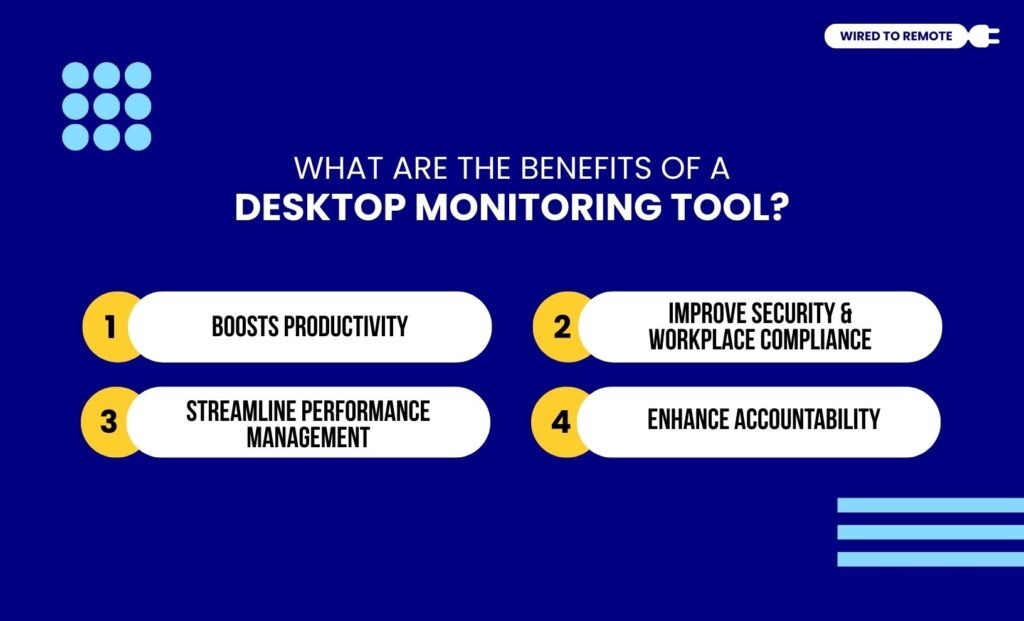
Given that the desktop monitoring tool provides a real-time insight into productivity, it is readily employed. So, here are some of its massive benefits—
1. Boosts Productivity
Firstly, it identifies the areas where time is mostly wasted. So, employers can adapt the processes and streamline workflow to boost overall employee productivity.
Moreover, it encourages employees to stay focused and get work done. So, it helps in promoting concentration with productive tasks.
2. Improve Security And Workplace Compliance
In addition to this, the desktop monitoring tool helps keep a check on the handling of sensitive data. That is, it includes DLP and security compliance checkers.
So, it allows the employees to adhere to the company security policies— GDPR, HIPAA, and others. Ensuring zero insider data theft or digital threats.
3. Streamline Performance Management
Moreover, the real-time insights and analytics provide data for fair and transparent employee performance evaluation. Improving the overall performance management.
That is, employers can directly reward employees for their productive contributions to the company. So, the employees can feel motivated to achieve the goals.
4. Enhance Accountability
Finally, desktop tracking helps employees to enhance their accountability. That is, it creates a transparent environment for the employees to actually work in a remote setup.
So, they can feel responsible and accountable for their entire work hours and the company’s contribution.
What Are The Ethical Challenges Of A Desktop Monitoring Tool?
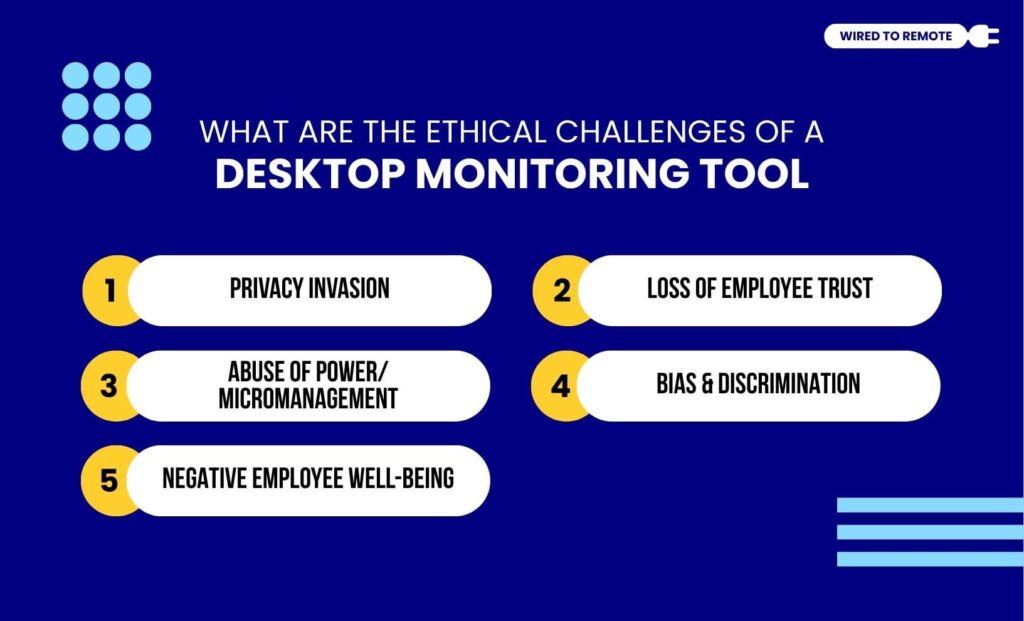
Even though the desktop monitoring tool provides massive benefits, it comes with major ethical challenges. So, some of these challenges include—
- Privacy Invasion: Firstly, monitoring remote employees’ desktops is explicitly done without employee consent. So, it raises concerns about employee privacy.
- Loss of Employee Trust: Moreover, the constant monitoring can often lead to loss of employee trust in the company. Damaging the employer-employee relationship.
- Abuse of Power/ Micromanagement: Also, overly monitoring employees’ desktops can often lead to micromanagement. This can immensely impact employee morale and affect retention.
- Bias and Discrimination: Additionally, monitored data is not always correct. So, this can create bias and discrimination without actually measuring the employee performance and productivity.
- Negative Employee Well-being: Finally, constant monitoring can often lead to high levels of stress, anxiety, and fear of judgment in employees. So, it affects the overall employee well-being in a remote setup.
How To Choose A Desktop Monitoring Tool?
Now, keeping these ethical challenges in consideration, here is a guide on choosing the right desktop monitoring tool—
- Firstly, you need to define the goals and objectives for choosing a desktop monitoring tool.
- Then, check the key features of the tool and tally them with your needs and requirements.
- After that, consider the ease of use, integration ease, scalability, and ethical usage before implementing the tool.
- Finally, use the trial version and check how the tool is performing with the employees and the workflow.
So, by aligning these factors with the company’s needs, you can choose the right tool in a jiffy.
But remember, implementing the tool should be done ethically without affecting employee trust and well-being. So, you can maintain the relationship and retain talents.
FAQs
Here are some of the frequently asked questions on the desktop monitoring tools that most remote workers and digital nomads look for.
Some of the popular and efficient desktop monitoring tools for remote teams include—
• ActivTrak: Offers strong data analytics on remote workforce productivity, data security, and overall employee behavior.
• Teramind: Specializes in providing threat detection alerts, data loss prevention, and employee monitoring for remote teams.
• Hubstaff: Allows remote employers to track employee work hours, activity duration, and even GPS tracking for field staff.
• Kickidler: Offers a live desktop viewing tool and video recording for remote teams to co-share desktops and monitor employee work.
• Zabbix: Provides an open source platform that has powerful monitoring features for high-end IT infrastructure.
• SolarWinds: Allows remote employers to monitor the IT infrastructure of the entire remote team to the core.
• SpeedFan: Provides built-in comprehensive solutions for monitoring remote teams of large enterprises, networking, and application tracking.
Since the implementation of the desktop monitoring tool is quite easy, here are the steps to use it for remote teams—
• Defining goals and creating an organizational policy to ensure the tool is used ethically to only monitor the employee’s productivity.
• Selecting and customizing the right tool that best suits the needs and requirements of the remote organization.
• Implementing and training the model to better integrate within the workflow.
• Using the outcomes and analytical results from the tool to make informed decisions about workflow management.
• Adapting the overall organizational processes based on the insightful reports.
To be exact, desktop monitoring tools are part of the entire employee monitoring tools. That is, employee monitoring tools track the remote workers’ activity through diverse methods— desktop activity, location tracking, keystrokes, and other methods.
But desktop monitoring tools specifically record employee activity based on the desktop activity. That is, it focuses on app usage, screentime, website visits, and screenshots.


Leave A Comment