

Managing tasks and tracking complex project timelines across changing time zones remains a significant challenge for remote teams.
For digital nomads and distributed corporate professionals, utilizing a robust digital checklist is critical to maintaining a streamlined workflow and preventing cognitive overload.
While the market is saturated with software solutions, TickTick and Todoist continue to dominate as the top choices for personal and professional productivity.
Both applications offer unique methodologies to automate repetitive tasks and optimize daily deadlines through advanced natural language processing. However, there is one question!
TickTick Vs Todoist: Which one to choose?
If that is what you want to know, you have come to the right place. Therefore, keep reading!
Why Do Digital Nomads Need To-Do Apps?
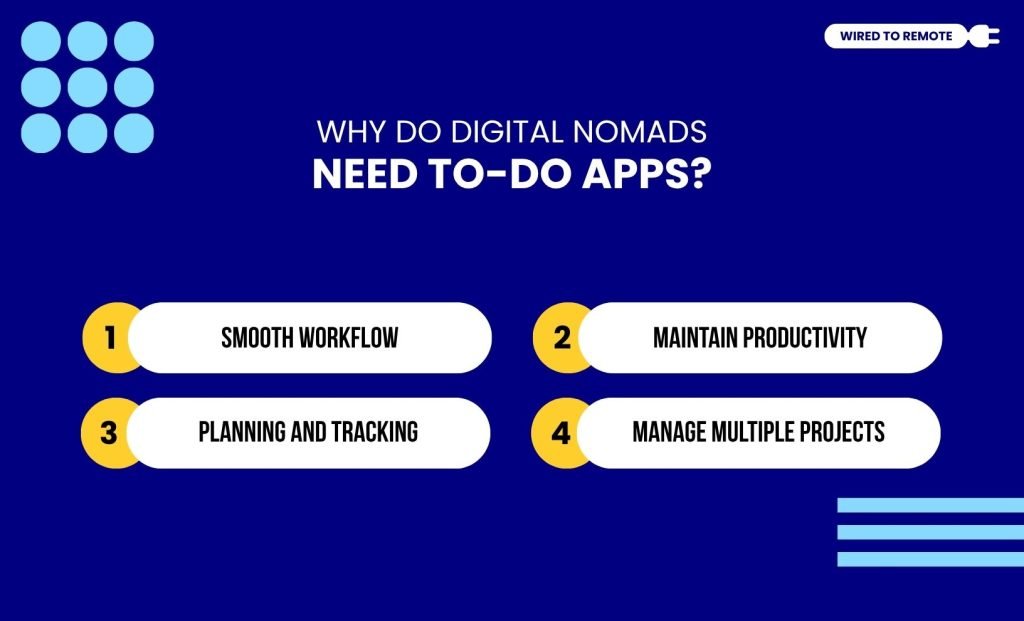
A digital nomad’s life is not the same as that of an office worker. Since they work from diverse locations, they face unique remote challenges. So, having a To-Do app in their lifestyle can do wonders.
1. Smooth Workflow
First things first, digital nomads need to balance their private life along with their work in a foreign country. Juggling multiple schedules and responsibilities at the same time.
So, a To-Do app can help them to organize, track, and adjust their work based on priority. Enabling them to manage tasks without failing to meet deadlines or overexhausting themselves.
2. Maintain Productivity
With assorted tasks, they get to focus on one thing at a time, reducing distractions and challenges. So, they can completely focus on one task without juggling a disoriented load of work.
And, with this focus, they become more concentrated and efficient in handling high-priority projects. Maintaining their productivity within a streamlined workflow.
3. Planning And Tracking
Apart from the productivity boost, they get to plan a complete timeline for their work. Dividing complex projects into simple daily tasks.
In addition to that, these apps allow them to track their progress with the allocated tasks. And, adjusting the timeline accordingly.
4. Manage Multiple Projects
Digital nomads always have multiple projects with different deadlines on their plates. Making it difficult to keep track of each of them and deliver on time.
However, with the help of these To-Do apps, they can set reminders for deadlines and make schedules to manage multiple projects simultaneously.
TickTick Vs Todoist: Key Differences Overview
| Aspects | Todoist | TickTick |
|---|---|---|
| Basic Features | Pre-made templates, Kanban board, Daily reminder emails, and Project sharing | Pomodoro timer, Behavior tracker, Customized templates, Kanban board, Eisenhower matrix, and Project sharing |
| Interface | Clean and user-friendly | Slightly congested |
| Device Compatibility | iOS, Windows, Linux, Android, and Web browsers | iOS, Windows, Linux, Android, and Web browsers |
| Performance Ratings | 4/5 | 5/5 |
| Pricing | Semi-paid platform | Semi-paid platform |
| Third-party App Integration | Over 80 app integrations | Limited to only 7 specific app integrations |
| Collaboration | Projects sharing and real-time collaboration | Projects sharing and real-time collaboration |
TickTick
TickTick is a To-Do app that helps in managing both professional and personal projects. With its key features, it helps in organizing tasks and tracking work progress.
So, you get a centralized system to arrange your tasks and events within the calendar. And, get time-to-time reminders for the upcoming events.
In addition to that, you can track your project progress. By using the tags and filtering tools, you can sort out the tasks to monitor the status of a specific project.
Key Features Of TickTick
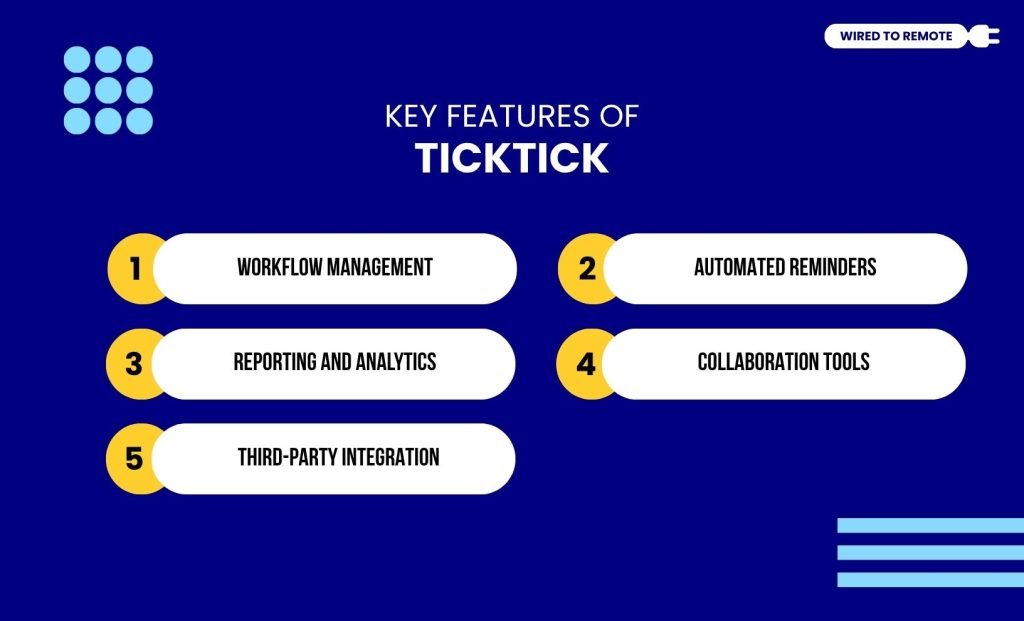
From organizing tasks to tracking progress, TickTick offers a lot of features that help in managing your daily activities. Some of these include:
- Workflow Management.
- Automated Reminders.
- Reporting and Analytics.
- Collaboration Tools.
- Third-Party Integration.
Benefits Of Using TickTick
As a productivity tool, it has a lot of strengths. Offering countless benefits to its users. Some of these include:
- All-In-One toolkit.
- Fully interactive calendar.
- Frictionless device syncing.
- Deep interface customization.
- Integrated team collaboration.
What Are The Disadvantages Of TickTick?
Compared to its strengths, there are a few disadvantages to the usage of TickTick, which limit the potential of the app. Some of these include:
- Heavily restricted free tier.
- Basic text and document tools.
- Closed third-party integration marketplace.
Todoist
Similar to TickTick, Todoist is another To-Do app that helps you to organize and manage your daily tasks, without juggling multiple projects all at once.
Its core features enable you to streamline the workflow. Simplifying the task management. So, you can follow the timelines and deliver your work within the deadlines.
In addition to this, you get to categorize your tasks with tags and use filters to sort them. Making it easy to monitor the progress.Along with that, it allows you to sync your documents and calendars across different platforms. So, you can simultaneously manage the projects without feeling overwhelmed.
Key Features Of Todoist
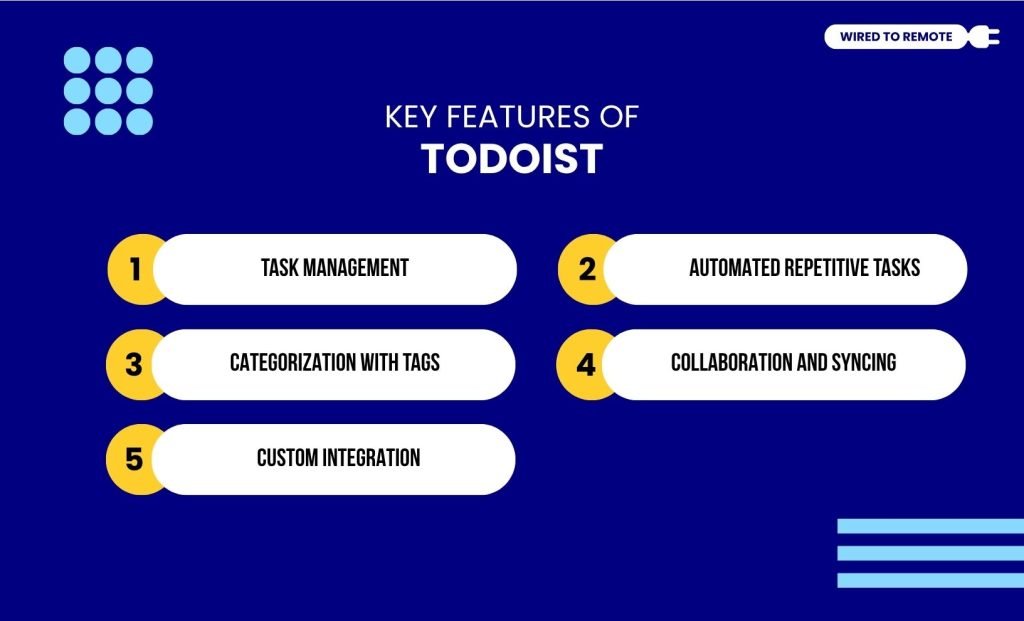
Much of the popularity of Todoist resides in its unique features and AI-powered tools that give it a competitive edge in the market. Some of these features are:
- Task management.
- Automated repetitive tasks.
- Categorization with tags.
- Collaboration and syncing.
- Custom integration.
Benefits Of Todoist
Here are some of the major benefits of Todoist when you compare it to TickTick:
- Minimalist interface.
- Extensive app ecosystem.
- Frictionless calendar connections.
- Intelligent task automation.
What Are The Disadvantages Of Using Todoist?
There are a few disadvantages of using Todoist that prevent it from providing an all-in-one solution for task management. Some of these cons are:
- No native time tracking.
- Restricted timeline customization.
- Basic productivity metrics.
TickTick Vs Todoist Cost: Pricing Plans And Subscription Rates
Both TickTick and Todoist are semi-paid platforms. That means they offer both free plans and subscription options. So, you can choose the one based on your needs.
Firstly, for TickTick, you will get the basic features under the free plan. Similarly, under the paid plan, which starts at $4/month, you can access its advanced management features.
Similarly, for Todoist, you can access the simple task management tools with the free plan. But, with the subscribed plan, which starts at $4-$6/month, you can access the AI features and other advanced productivity tools.
Now, based on your personal needs or your organization’s requirements, you can choose the plan that best suits them.
Natural Language Processing (NLP) Head-to-Head Comparison
Natural Language Processing (NLP) is the technology that allows you to type tasks using regular conversational language and lets the software automatically schedule the dates, tags, and project locations.
While both apps feature NLP, their execution differs significantly in precision and user experience.
Todoist: The Inline Gold Standard
Todoist offers flawless, fluid text parsing that handles complex scheduling instructions automatically.
- The Input: You type a highly detailed string into the quick-add bar, such as: “File taxes every April 15th at 2pm #Finance p1”.
- The Live Action: As you type, the app dynamically highlights the date, recurrence pattern, project name, and priority flag in real-time.
Once saved, Todoist automatically strips out all the metadata formatting from the view. This leaves behind a perfectly clean task title (“File taxes”) while correctly filing it under your Finance project with a top-priority flag and an annual repeating reminder.
TickTick: Capable But Slightly Manual
TickTick easily handles basic inputs but requires a more deliberate, multi-step confirmation process for complex entries.
- The Input: You type standard instructions like “Gym tomorrow at 7am”.
- The Live Action: TickTick recognizes the simple date and time immediately, highlighting them in the text bar.
If you try to mix highly complex strings, such as combining unique exceptions or multi-layered folder paths, the parsing engine can hesitate.
Instead of committing the parameters automatically, TickTick often prompts you to click an on-screen confirmation button or tap a specific calendar icon to officially lock in the deadline parameters.
Things To Keep In Mind Before Choosing TickTick Or Todoist
Choosing between the top two To-Do apps completely depends on what you need it for. Based on that, you can switch between – TickTick vs Todoist.
So, if you are someone who needs a basic task management app that helps in collaboration or integrating other third-party apps, you can choose Todoist to get the job done.
However, if you are looking for some advanced task management techniques – Pomodoro timer, Eisenhower matrix, Kanban board -TickTick should be your go-to buddy.
Either way, just choose one and stick to it. When you consistently use one app, you will magically become more organized and productive. How great is that?
Verdict: TickTick vs. Todoist At A Glance
Your choice between these leading task managers will be based on your individual work style and preferences:
- Pick Todoist if: You want a simple, minimalist layout with easy third-party integrations. It’s great for quick entries using its top-notch NLP. So, it’s perfect for those who get their tasks from external apps like Slack or Google Calendar.
- Pick TickTick if: You’re after the whole productivity package. It takes away the hassle of subscribing to multiple apps by integrating a calendar, a Pomodoro focus timer, a habit tracker, and an Eisenhower priority matrix, all within one interface.
In conclusion, Todoist is a bare-bones, task-focused tool that is perfect for users who want as little interference as possible in their work.
On the other hand, TickTick is more of a one-stop shop for productivity that you can run completely on your own.



Leave A Comment