
Traditional office cubicles no longer exist in the corporate world. Instead, the modern office features an adaptable mix of workspaces.
Specifically, these locations range from home workstations and coffee shops to co-working spaces and global digital nomad hubs.
While this flexibility provides a major benefit, it also introduces a unique problem. Namely, you must maintain professional productivity outside a traditional company building. To achieve this, working from the outside world demands specialized gear.
Therefore, choosing the best tech items for remote working requires a careful balance between portability and sheer power.
Understanding the Importance of Technology in Remote Work
Before delving into the various cool remote work tools and gadgets, let’s understand the importance of technology in remote work.
Enhancing Productivity
The remote working culture primarily depends on advanced technologies for its smooth running of operations. Moreover, advanced technologies can essentially impact the productivity of remote workers by giving them the liberty to work flexibly.
Additionally, some work from home organizations incorporate automation for repetitive tasks, like chat processes with customers. This automation can help in reducing repetitive tasks, allowing workers to focus on critical projects and work with efficiency.
Ensuring Seamless Communication
Another advantage of having advanced technology or cool work from home gadgets is ensuring seamless communication.
Remote working culture requires to conduct workplace communication virtually. So, having good communication tools and equipment can benefit the workers in establishing seamless workplace communication.
Moreover, the incorporation of advanced communicative tools can help in mitigating different communication challenges, like workplace miscommunication.
Supporting Work-Life-Balance
Technologies can also help in ensuring work-life-balance for remote workers. For instance, the modern digital tools used for remote working curbs the commute time for workers.
Furthermore, they can digitally log into work and can utilize the commuting time for personal activities. This helps in enhancing job satisfaction and employees’ well-maintained work-life-balance.
Essential Tech Items for Remote Workers
Now that you understand how relevant technology is in remote work culture, let’s delve into the essential tech items you need for working remotely.
Laptop or Desktop Computer

The most essential tech item for your remote workstation is a desktop computer or laptop. Moreover, investing in a desktop computer with a broad display can help in keeping you focused and motivated to work. You can investigate some great options for high-quality monitors with cool color gradings and vivid displays.
Moreover, having a laptop can also help in carrying your work around, wherever you like. A portable device, like a lightweight laptop with high performance and quality graphics can improve your productivity from the comfort of your couch. Some preferred laptop options are:
- MacBook Air
- Dell XPS
- HP 15S-ER1501AU
- Dell Inspiron
- Lenovo ThinkPad.
You can also look into the newly launched portable monitors for exploring more options to increase productivity on-the-go.
High-Speed Internet Connection

With a high performing laptop or desktop setup, you need to have access to high-speed internet connection for remote working. Additionally, high-speed internet connectivity can essentially improve the performance of the various programming software and communication systems.
This helps in increasing the efficiency and smooth processing of the operations in remote projects. Moreover, high speed internet connection can prevent network connectivity issues in video meetings and virtual communications.
Here’s what you will need:
- Dual-Band Routers: Ensure your home setup utilizes Wi-Fi 6 or Wi-Fi 6E technology to prioritize work devices over household streaming.
- Portable Hotspots: Devices like the GlocalMe or a dedicated 5G travel router serve as crucial backups when public café networks fail.
Noise-Canceling Headphones

A good headphone set can essentially help you to remain focused on your projects while working in chaotic surroundings. Furthermore, you can invest in high-quality noise-cancelling headphones, like:
- Sony WH-1000XM5
- JBL Tune 760NC wireless
- Supreme 325 Wireless headsets.
With quality noise-canceling headphones, you can avoid the distractions from interfering with your focus. Moreover, this essential remote work gadget can curb the outside chatter, or construction sounds from the locality.
Tools for Effective Communication and Collaboration
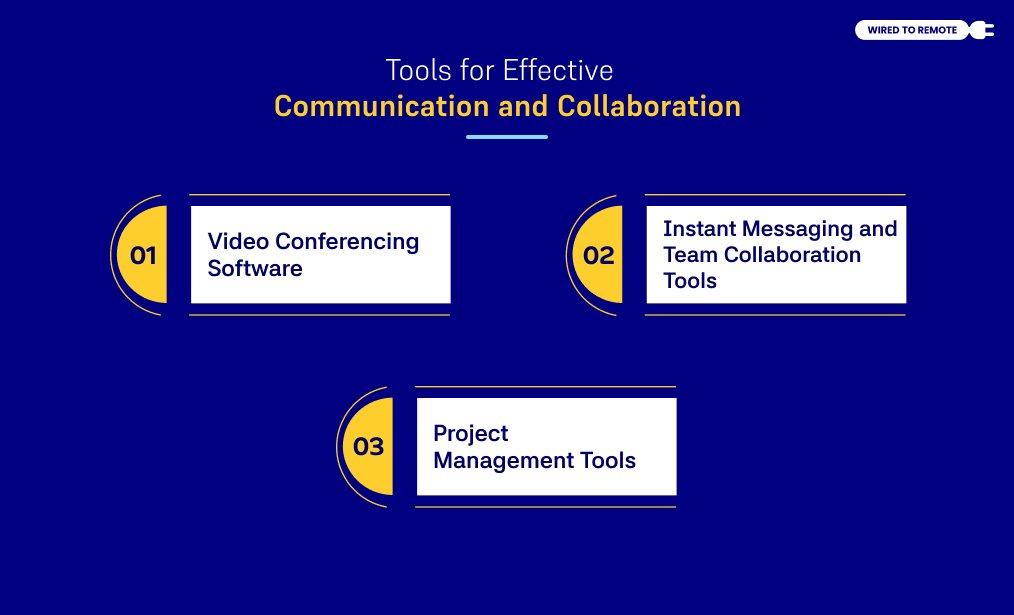
In remote projects, communication and collaboration among the employees play a crucial role. With effective communication and team collaboration, remote projects can be successfully completed within the stipulated time.
In order to ensure this effective communication, you can incorporate various communication technologies.
Video Conferencing Software
Virtual meetings and video calls are the most common forms of communication for remote employees. This way, using high-tech tools to execute video conferencing sessions is necessary.
In fact, the most popular choices for communication apps for home office workers are Microsoft Teams and Zoom. In addition, both these software offer the environment to have virtual meetings, promote teamwork, and maintain internal communication.
Instant Messaging and Team Collaboration Tools
Remote working involves people working from different time-zones and places. So, having an instant messaging tool can help workers to connect and collaborate for the projects.
Some of the best instant messaging tools include Slack and Microsoft Teams. In these platforms, you can create channels and groups for different departments for streamlined information flow regarding tasks and projects.
Additionally, these tools can help in communication through direct messaging, one-to-one conversations, and connect with other software for file sharing and video meetings.
Project Management Tools
Unlike traditional office work, remote work needs to manage projects and tasks digitally. In order to properly look into the project progress and manage the tasks, you can take the help of project management tools.
These tools help in planning the breakdown of the projects into manageable tasks, assigning tasks to workers, and checking project progress. Moreover, some of the commonly used project management tools include:
- Asana
- JIRA
- Trello.
Ergonomic and Productivity-Boosting Tech
Although remote work gives the comfort of home, not having a proper work setup can affect your physical health and productivity.
To ensure that you work efficiently without affecting your health, you can invest in ergonomic and productivity-boosting technologies.
Adjustable Desk and Ergonomic Chair

Regular dinner tables and chairs are not designed for long hours of work. They can affect your posture causing muscular cramps, impacting your productivity. So, you can invest in adjustable desks and ergonomic chairs for your comfort.
With adjustable desks, you can choose the perfect position for your laptop or desktop screen. You can avoid straining your neck with proper positioning of the screen. Moreover, you can also invest in a standing desk to avoid the long hours in chairs.
Additionally, the ergonomic chairs are designed with your spinal health in consideration. Using these chairs can prevent spinal problems and lumbar region cramps.
Moreover, instead of the straight dinner chairs, these ergonomic chairs provide support to your back and reduce straining of the neck and back muscles.
Keyboard and Mouse

To ensure the enhancement of your productivity, you can invest in ergonomically designed keyboards and mouse for your remote work steps. Furthermore, these remote work tools are crafted for providing you comfort and preventing wrist injuries.
Some highly recommended keyboard and mouse combo options include:
- Logitech Ergo K860 and Logitech MX Master 3S
- Microsoft Ergonomic Keyboard
- Logitech K350 Wave and Logitech M720 Triathlon.
Additionally, you can use wireless mouse and keyboards for your workstation to enjoy the portability of these tools. They can help you to take your work from your desk to your porch with ease.
External Monitor

Staring at the small laptop screen all day long can be tiring and straining for your eyes. Moreover, to avoid the discomfort of the small screen, you can get an external monitor for your work.
This external monitor can be attached to your laptop for casting your screen and working on a more vivid interface. Moreover, this can help in putting less strain on your eyes and affecting your eyesight in the long run.
Backup and Security Tools for Remote Work
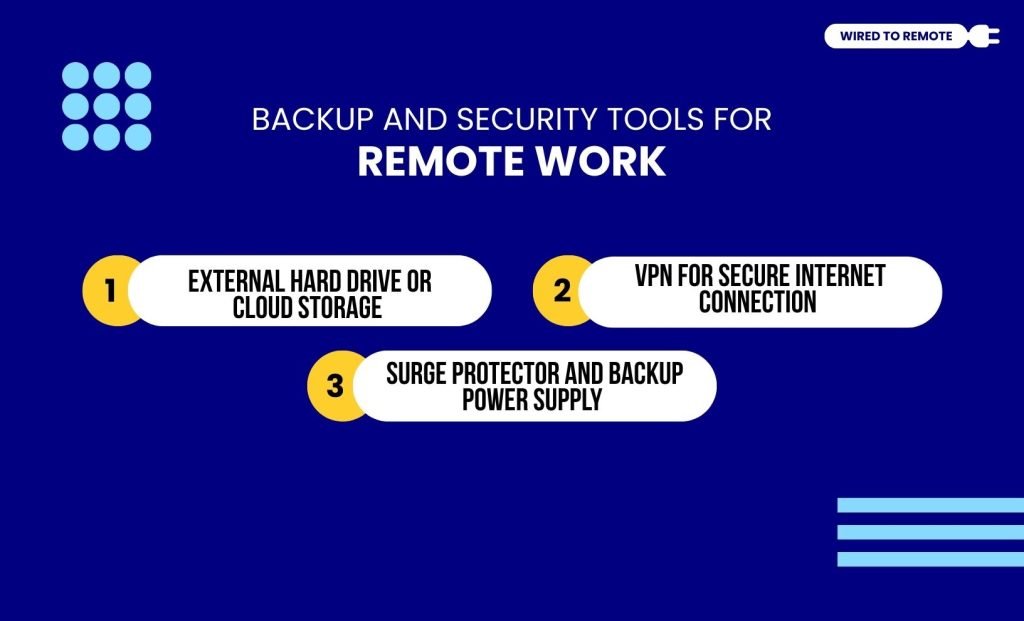
One of the most challenging parts of remote work is having good data security softwares and cloud storage.
It is essential to have proper backup for your work files and documents to not lose important project details. Additionally, data security software can help in protecting the company information from data breaches.
External Hard Drive or Cloud Storage
To store countless details, documents, and company files, you can use external hard drives and cloud storage. This will help you to keep all your documents protected and available, whenever you need.
Some of the most preferred cloud storage software for remote work are:
- Google Drive
- Microsoft One Drive
- IDrive
- Dropbox.
Having cloud storage for files can help remote employees from different places to access the data and modify the files. Moreover, for once in while office visits, you can carry your files and company documents in hard drives, pen drives, and SD cards.
VPN for Secure Internet Connection
Since remote work involves accessing and processing company data through digital platforms, having a secure internet connection is crucial.
Additionally, with VPN protection for your internet connection, you can securely navigate through company data without the threat of data breaching.
Moreover, a VPN in internet connection ensures reliable access to company information and employees’ data. This essentially prevents cyberthreats and unauthorized access to sensitive company information.
Surge Protector and Backup Power Supply
Power instability can destroy hardware components instantly. Here’s what you will need:
- Surge Protectors: A high-joule power strip absorbs sudden voltage spikes, protecting expensive laptops and monitors from electrical damage.
- UPS Systems: For remote workers in areas prone to rolling blackouts, a compact UPS provides critical backup battery runtime to save open projects and shut down systems safely.
Checklist: How To Choose Your Remote Work Tech Stack
To build a reliable, high-yield toolkit, filter your purchases through these four operational criteria:
- Mobility Over Bulk: Choose lightweight, collapsible tech items if you plan to move locations frequently.
- Cross-Device Compatibility: Ensure all accessories utilize universal connection standards like USB-C to minimize cable clutter.
- Hardware-Level Redundancy: Always have a backup power bank and a secondary internet source ready.
- Ergonomic Safety First: Never sacrifice your posture or spinal alignment for a temporary aesthetic layout.
Investing in the best tech items for remote working is ultimately an investment in your career longevity, daily comfort, and professional execution.



Leave A Comment