
It is no news that HR analytics is dynamically transforming the decision-making processes of businesses.
Especially for remote work, HR analytics is changing how employees are hired, managed, and engaged. Enabling all kinds of businesses to amp up their game in 2026!
But the real question is— “How to implement HR analytics successfully in remote teams?”
Well, no need to look any further, your remote buddy’s got you covered.
In this blog, I have delved into the diverse aspects of the HR processes and how the simple incorporation of analytics changes the paradigm, highlighting—
- Its basic characteristics and types,
- Benefits and key metrics to consider,
- Steps to implement it properly, and more.
So, come dive right in!
What Is HR Analytics?
Before jumping into the implementation process, let’s understand the basics of HR analytics. For instance, it is a modern process of HR data collection, analysis, and interpretation.
That is, it provides clear insights by breaking down raw data. So, HR managers and recruiters can make data-informed decisions regarding the various HR processes.
Moreover, the insights depict a clear picture of the workforce dynamics, optimize the HR workflows, and align the business objectives with strategies.
So, companies can enhance their employee engagement, improve retention rates, and boost organizational performance.
Types Of HR Analytics
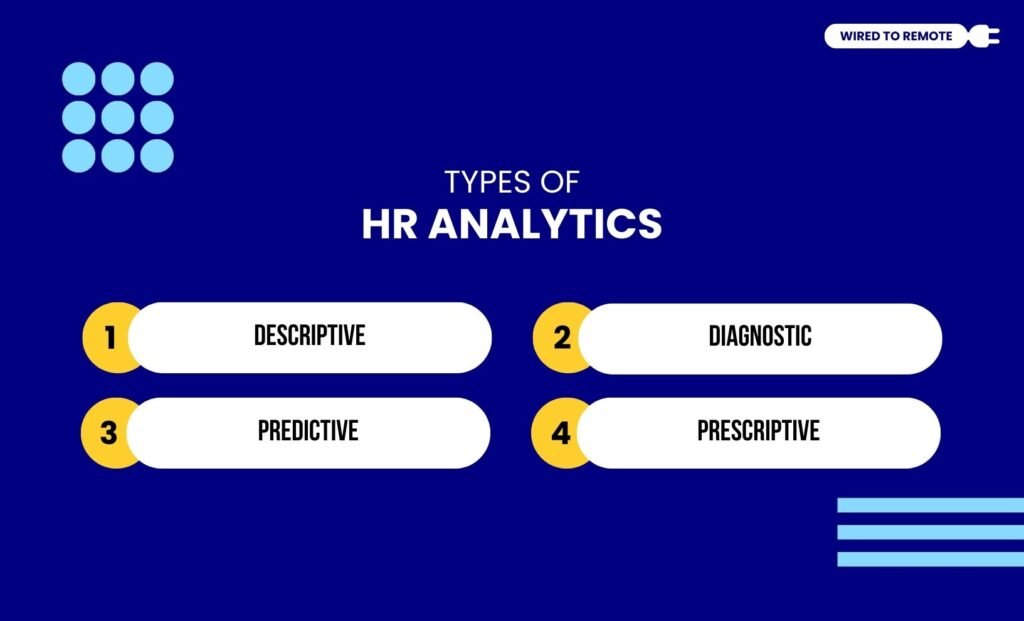
Now, given the diversity in the HR processes, there are different types of HR analytics. So, some of these types include—
1. Descriptive — Provides a clear answer for “what happened?” that is, it describes the issue that arose from the historical HR data.
2. Diagnostic — Offers a reason or cause to the question “why?” So, employers can understand the exact cause behind the issue at hand.
3. Predictive — Provides insight into the question “what will happen?” based on the historical data from the HR processes.
4. Prescriptive — Offers a solution or resolution for the HR issues with actionable recommendations for the best possible outcomes.
Why HR Analytics Matter In Remote Teams?
Given that HR analytics provide countless benefits, it is readily adopted by remote teams for better employee management.
So, here are some of the reasons behind its relevance in remote teams—
- Improving the process of talent acquisition and retention.
- Boosting workforce productivity within the remote team.
- Enhancing employee engagement in the workplace.
- Supporting strategic workforce planning within the company.
What Are The Key Metrics In HR Analytics?
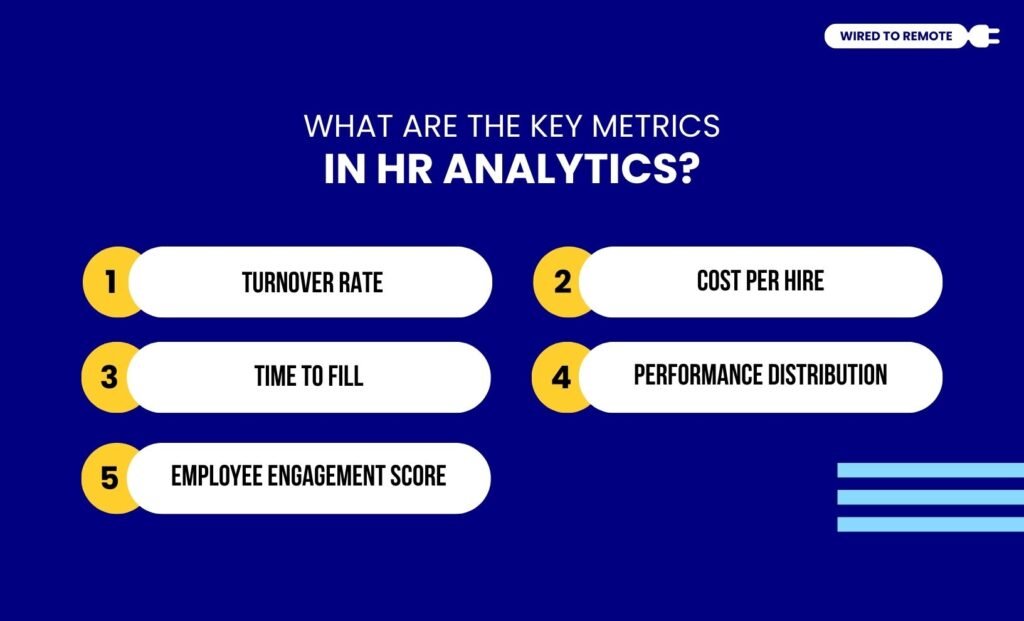
Not all metrics are considered for HR analytics. So, here are the key metrics that provide insights into the raw data of various HR processes.
1. Turnover Rate
Firstly, the turnover rate helps managers and recruiters to measure the percentage of employees leaving the company. Analyzing this metric sheds light on the cause behind their leaving.
2. Cost Per Hire
This metric estimates the total expense of acquiring a new employee for the company. So, analyzing this metric helps understand the efficiency of the recruitment team.
3. Time To Fill
Another key metric is the Time to Fill, which provides a clear picture of the average time taken to fill a particular position for the company. So, analyzing this highlights the speed of recruitment.
4. Performance Distribution
Now, for a better understanding of the employee performance across diverse departments of the company, the performance distribution metric is analyzed.
So, managers can get an insight into the capability of the workforce.
5. Employee Engagement Score
Finally, the employee engagement score provides a deeper insight into the connection shared between the employees. So, analyzing it can help in understanding the productivity and retention.
How To Implement HR Analytics In Remote Teams?
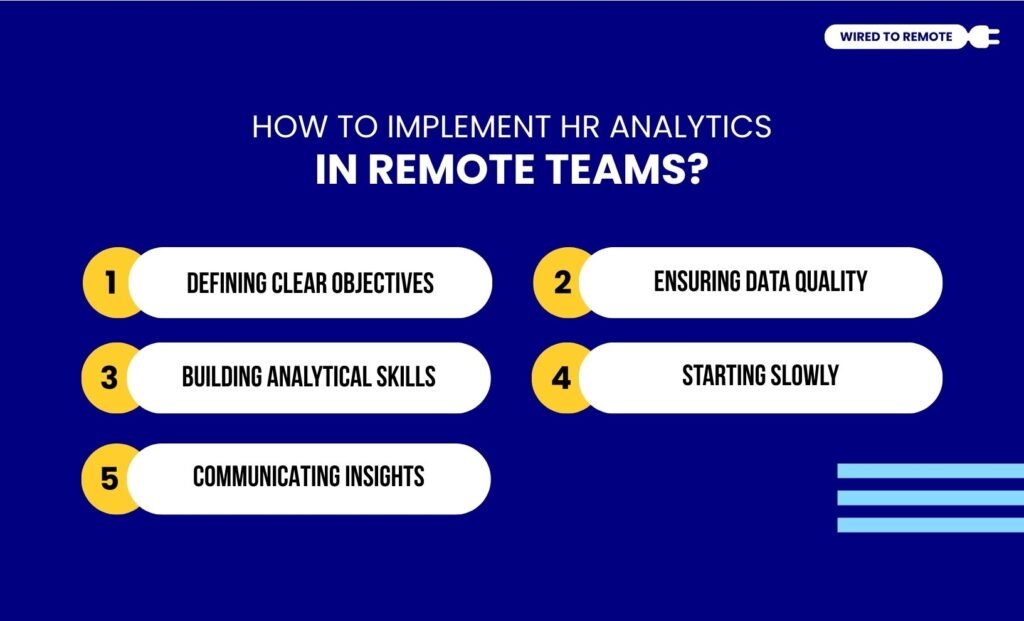
Now, simply knowing about HR analytics is not enough. Rather, it is essential to know how to implement it within remote teams.
So, here are the steps of implementing HR analytics in remote teams—
1. Defining Clear Objectives
Firstly, you need to identify the business goals and align the analytics method with them. So, it can provide the perfect strategy to achieve the goals without facing issues.
2. Ensuring Data Quality
Then, you need to collect clean and structured data from diverse, reliable sources. That is, ensure that the data quality is varied with multiple inputs for better analytics reports.
3. Building Analytical Skills
Moreover, you need to invest in building analytics skills. So, the HR managers can analyze the reports and gather insights from the raw data to modify their HR strategies.
4. Starting Slowly
Now, even if it is tempting to go full-blown with modern analytics, it is better to start small and slowly scale the system as the company grows.
5. Communicating Insights
Finally, use diverse tools and software to convert the insights from the analytics reports into visualization dashboards and storylines. So, it is easier to communicate the insights with the other members of the remote teams.
Tools For Managing HR Analytics In Remote Work Setups
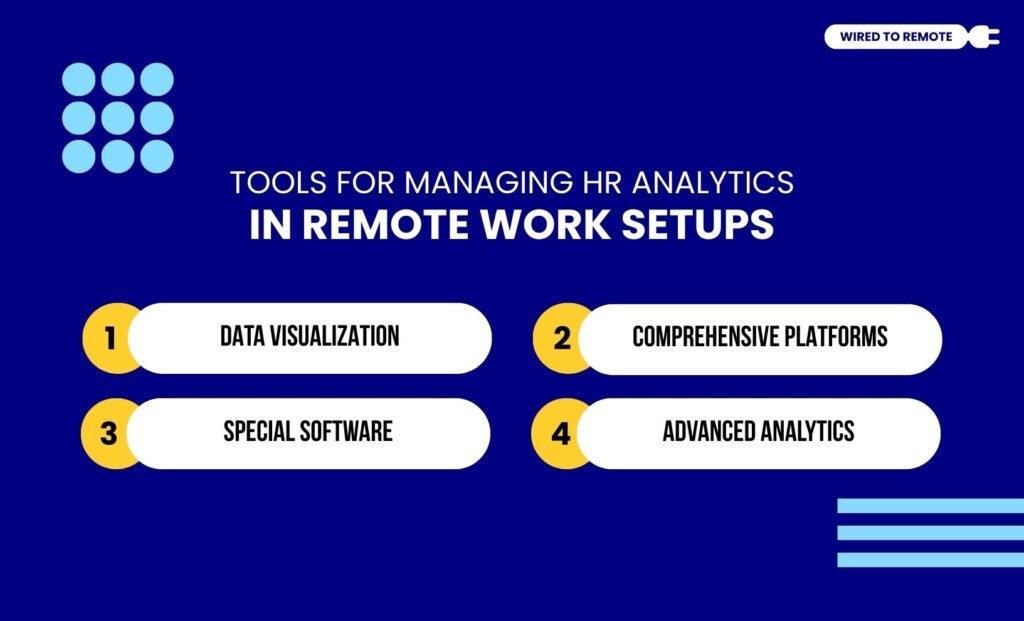
To ensure that you are implementing HR analytics properly in a remote work setup, you need certain kinds of tools and techniques.
So, here are some of the common HR Analytics Tools that remote workers can use for managing the HR processes—
- Data Visualization: Using tools like Tableau or Power BI in Microsoft can help create stories and dashboards for visualizing the insights from the raw HR data.
- Comprehensive Platforms: Also, Visier and Crunchr can help in providing a specialized analytics tool for large remote organizations.
- Special Software: Moreover, tools like ADP Workforce and PeopleForce provide an integrated platform for managing diverse HR processes.
- Advanced Analytics: Finally, Python, SPSS, and R Studio can help analyze the HR data with various statistical models, predictive analysis, and handling large datasets.
Common Challenges With HR Analytics In Remote Teams
Even though HR analytics provide countless benefits, it comes with some common challenges that can impact its smooth implementation within the company.
So, here are some of these challenges and their troubleshooting methods—
- Having data silos or integration issues can impact the accuracy of the insights from the raw HR data.
- Lack of analysts and skilled HR managers within the team can affect the proper adoption of the analytics.
- Concerns with privacy and compliance can impact the trust of the employees in providing their personal data.
- Resistance from the traditional team leaders and older employees can hinder the smooth implementation of the HR analytics system.
So, taking proper measures to counter these challenges can ensure that the analytics is smoothly incorporated within the company system.
But if you are still wondering whether you should use HR analytics or not, take this as a sign to incorporate it and watch the productivity and employee engagement skyrocket in your remote teams.
FAQs
Here, I have brought you some common questions around HR analytics in a remote work setup that most recruiters look for.
Although they sound similar, HR metrics and analytics are not the same. For instance, HR metrics refer to the quantitative data points that measure HR processes’ efficiency and effectiveness.
But HR analytics dives deep into these metrics to find the reason behind the change in the data points. So, proper actions can be taken to mitigate the issues for better metrics.
Generally, the predictive analytics of HR metrics provides insight into what will happen next. So, remote recruiters and HR managers can make decisions based on the data-driven insights.
That is, it allows recruiters to use various machine learning tools and statistical methods to identify employee turnover rate, high-risk employees, and more. So, the team can take proper actions.
Yes, absolutely. HR analytics works best with all kinds of businesses. So, it is highly suitable and beneficial even for small businesses.
That is, it enables small businesses to make data-driven decisions on hiring, employee retention, and enhancing employee performance.
So, it improves their productivity and the overall ROI of the businesses.



Leave A Comment