

Quick Answer
Remote project tracking for remote work is the continuous monitoring of task execution, milestones, and resource allocation within a distributed team. Unlike traditional management, it relies on asynchronous documentation and specialized software rather than in-person check-ins to measure productivity and ensure operational alignment.
Managing a remote team can often feel like working in the dark. Without a physical office, it is incredibly easy to lose sight of who is doing what, leading to missed deadlines and disjointed communication.
That’s where the entire concept of project tracking for remote work comes in!
Project tracking tools change that by bringing everyone into the same digital room. They replace the constant “status update” pings with real-time clarity, letting you spot hurdles before they stall your project.
Ultimately, structured tracking gives distributed teams the focus they need to collaborate naturally, stay accountable, and actually enjoy working together.
Why Do You Need Project Tracking For Remote Work?

Project tracking or project management is crucial for remote work. It involves coordinating and monitoring the different tasks under the project to ensure maximum productivity.
In remote work, project tracking can help in monitoring the progress of the projects and make informed decisions. Moreover, this method helps in maintaining coordination across team members, leaders, and managers without direct interactions.
Why Project Tracking is Crucial for Remote Teams
A part of project management is project tracking. It involves planning task divisions, delegating work to employees, monitoring the task status, and evaluating the progress of the projects.
In remote work, you need project tracking tools and strategies to ensure that the projects are on track and meet their deadlines. Moreover, it can help you to delegate tasks to remote workers across diverse geographical locations.
Benefits of Using Project Tracking Tools
Using project tracking tools for remote work can help you organize your tasks and stay focused on your work. Moreover, with the project management tools, you can arrange your work based on urgency and priority.
Moreover, the various project management software can help you to create detailed project plans for your teams. You can make a roadmap for your project, divide teams for particular tasks, and monitor the overall progress of each team.
Additionally, you can use project tracking tools to communicate with your team-members and managers to discuss issues related to projects. This helps in the smooth flow of operations in remote work without affecting the flexibility of the work-from-home culture.
How Project Tracking Improves Collaboration and Accountability
There are lots of benefits of using project tracking tools in remote work. These tools can help you to collaborate with different teams and complete your tasks.
Moreover, project tracking for remote workers can essentially help you to communicate issues and seek help. When you face any issue with your task, and delay your work submission, your manager can contact you to discuss the issues.
This helps in mitigating issues related to projects in its early stages. Additionally, in a way, this helps you to stay productive and organized in your remote work.
Key Features of Effective Project Tracking Tools
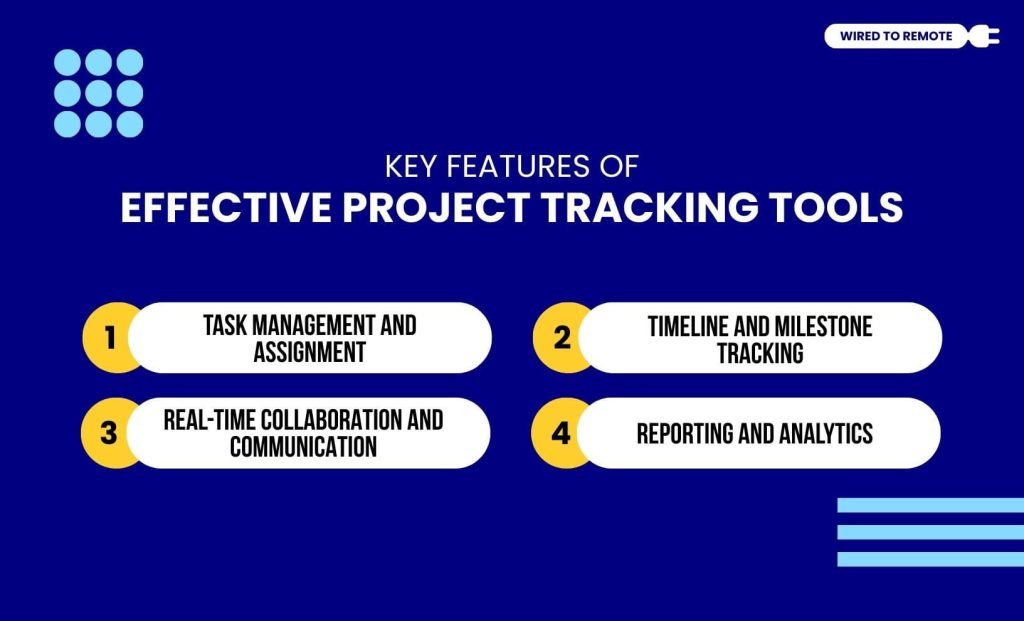
Project tracking tools have various key features that make them effective in managing projects in remote work. Some of these key features include:
Task Management and Assignment
With the help of project tracking tools for remote work, you can easily manage task delegations and oversee team progress. It allows you to assign tasks to your remote workers and set specific deadlines for them to complete.
Timeline and Milestone Tracking
A project tracking tool creates a timeline for the entire project with milestones for smaller tasks. You can easily track the progress of the project by analyzing the milestones covered by the teams. Moreover, you can make adjustments to the timeline and milestones whenever you find it necessary.
Real-Time Collaboration and Communication
Having clear communication is essential for the successful project completion of remote work. For this, you can use the project tracking tools.
Moreover, they enable you to have real-time communication and team collaboration in a remote work culture. You can address issues hindering the progress of the projects and promptly make changes in the early stages.
Reporting and Analytics
Based on the reports and analytics provided by the project tracking tools, you can easily identify the areas that need attention. Additionally, the reports and analytics give a visual of the current status of the project and help you to make informed decisions for improving the project’s progress.
Popular Project Tracking Tools for Remote Work
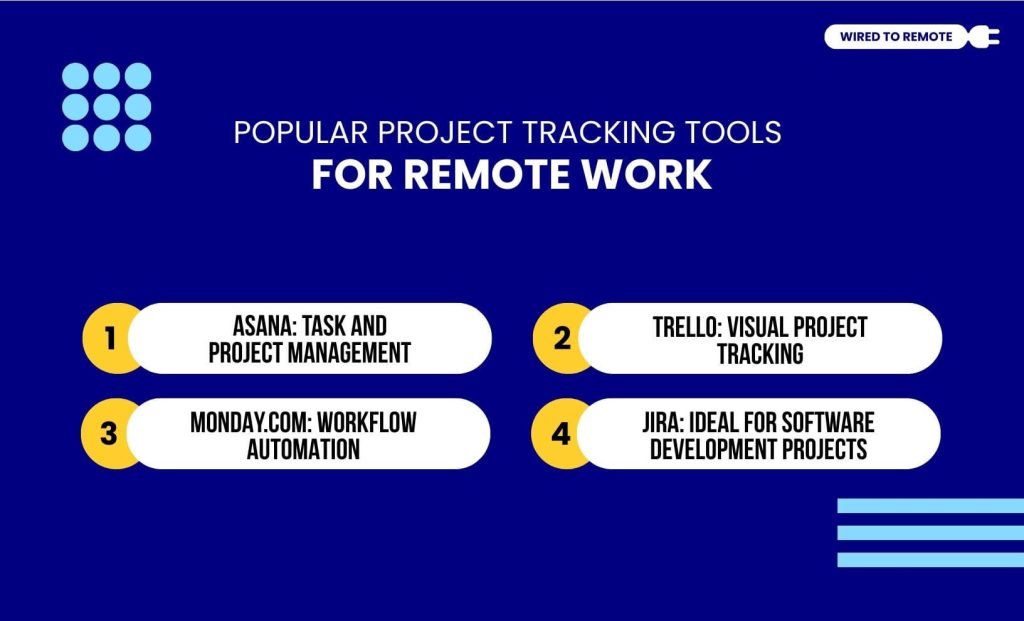
You will find numerous project management tools on the internet that can help you to efficiently and effectively manage your remote projects. Some of these tools are:
Asana: Task and Project Management
Asana is a project management tool that helps in team collaboration, real-time communication, and project tracking for remote work. Additionally, it has a very user-friendly interface and helps with task automation, employee responsibilities delegations, and tracking the project’s progress.
Trello: Visual Project Tracking
Trello is another project management tool that helps in visually tracking and managing projects for remote work. It helps you to organize your projects with visual aids to make them more intuitive and organized.
Moreover, it allows the users to have real-time communication and stay updated about the progress of the project.
Monday.com: Workflow Automation
Monday.com is an efficient project tracking tool for remote workers. It helps manage project progress by automating repetitive tasks. Moreover, with its automation of the workflow, remote workers can efficiently handle their tasks and focus on relevant projects.
Jira: Ideal for Software Development Projects
Jira is ideally used for software project management. It has the features to track issues, report project status, customize and integrate tasks, and alter workflows.
Moreover, it enables remote workers to collaborate and launch their projects efficiently. This tool also helps in reporting the analytics of the project progress to ensure employee productivity and performance.
How to Set Up a Project Tracking System for Remote Teams
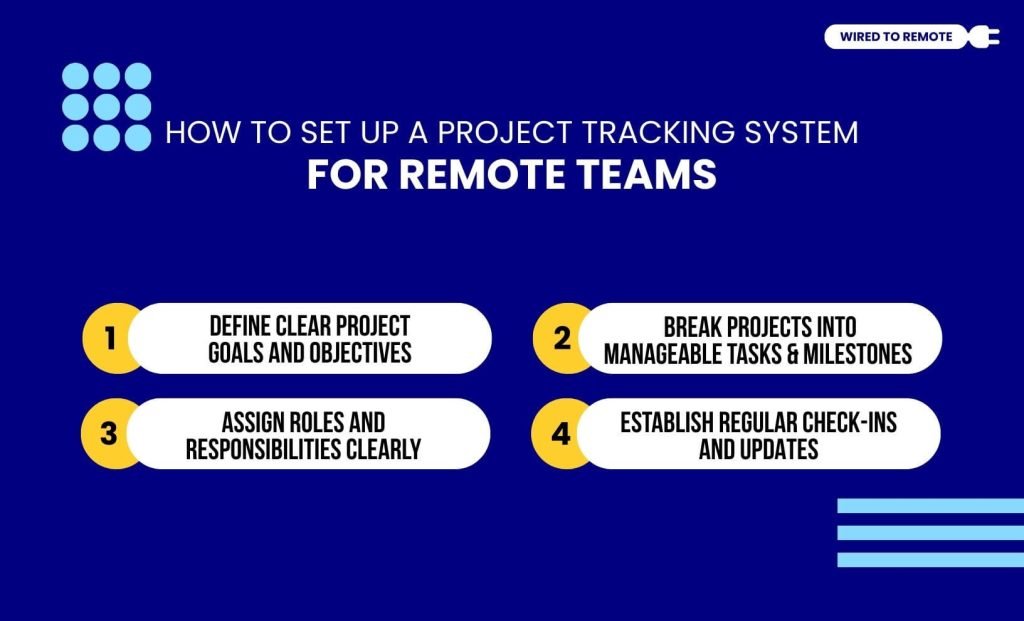
You can follow the steps to set up a project tracking system for your remote work.
Define Clear Project Goals and Objectives
You need to clearly define the roles and responsibilities of your employees. Moreover, you can set clear goals and objectives for them to follow through. This can help in managing the projects better and with more efficiency.
Break Projects into Manageable Tasks and Milestones
Breaking down the projects into manageable tasks and smaller milestones can make it easier for you to track the progress of the projects. Moreover, smaller and more manageable tasks can be completed easily and help in enhancing employee productivity.
Assign Roles and Responsibilities Clearly
Assigning employees their roles and responsibilities clearly can help them understand their contribution to the project. Additionally, clear role delegation can help in managing tasks and team efforts properly.
Establish Regular Check-ins and Updates
It is important to establish regular check-ins and updates to ensure that the project is on track. Additionally, this will help you to manage the progress of the project by efficiently mitigating challenges at the initial stages.
Best Practices for Using Project Tracking Tools Effectively
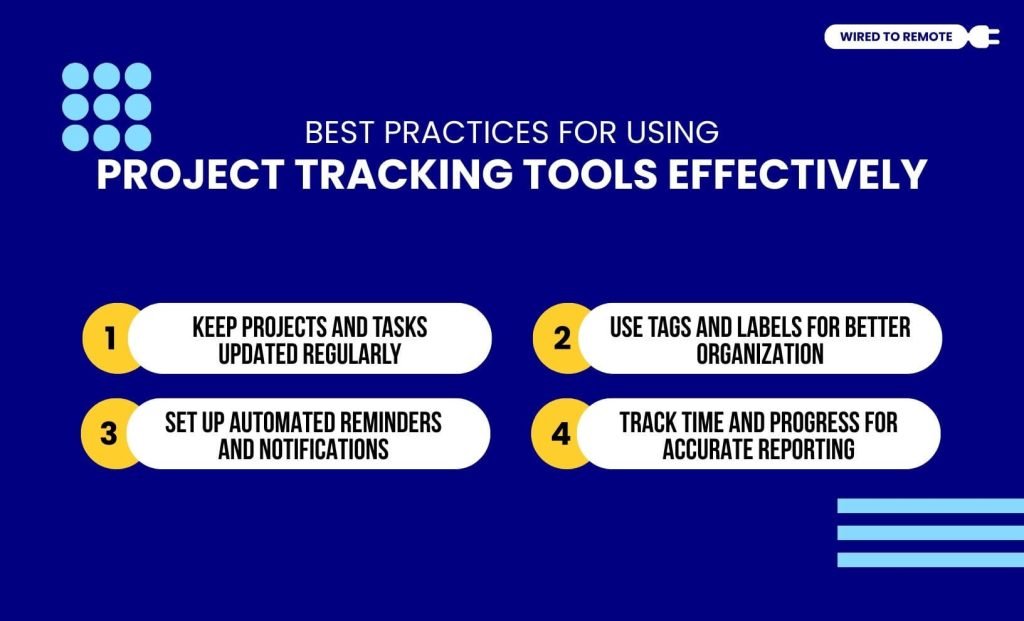
Incorporating some practices can help in better utilizing the project tracking tools effectively. Some of these practices include:
Keep Projects and Tasks Updated Regularly
Updating your tasks and projects regularly can help in better tracking the progress. Moreover, delayed updates can hinder the smooth processing of the work and the identification of challenges at the initial stages.
Use Tags and Labels for Better Organization
Organizing task orders and worker delegations with tags and labels can help in efficiently identifying problems and checking project status. Additionally, organized task delegation helps in managing the overall project status and tracking employee performance.
Set Up Automated Reminders and Notifications
Automated reminders and notifications for updates can help remote employees to stay on track with their work. Furthermore, this can also ensure that the project is following the timeline and is on track.
Track Time and Progress for Accurate Reporting
Time tracking for task completion can help managers to understand how the project is progressing. Additionally, the analytics and reports of the projects can help in understanding how the project is proceeding. This can also help in predicting its possible completion time.
Tips and Tricks for Maximizing Project Tracking Efficiency
- Choose the right tool that fits your team’s needs.
- Keep task descriptions clear and concise.
- Use integrations with other productivity tools (e.g., Slack, Google Drive)
- Create templates for recurring projects to save time.
- Use dashboards to get an overview of project progress.
- Establish a feedback loop to improve the tracking process.
- Set achievable deadlines to keep the project on track.
Troubleshooting Matrix: Overcoming Common Tool Pitfalls
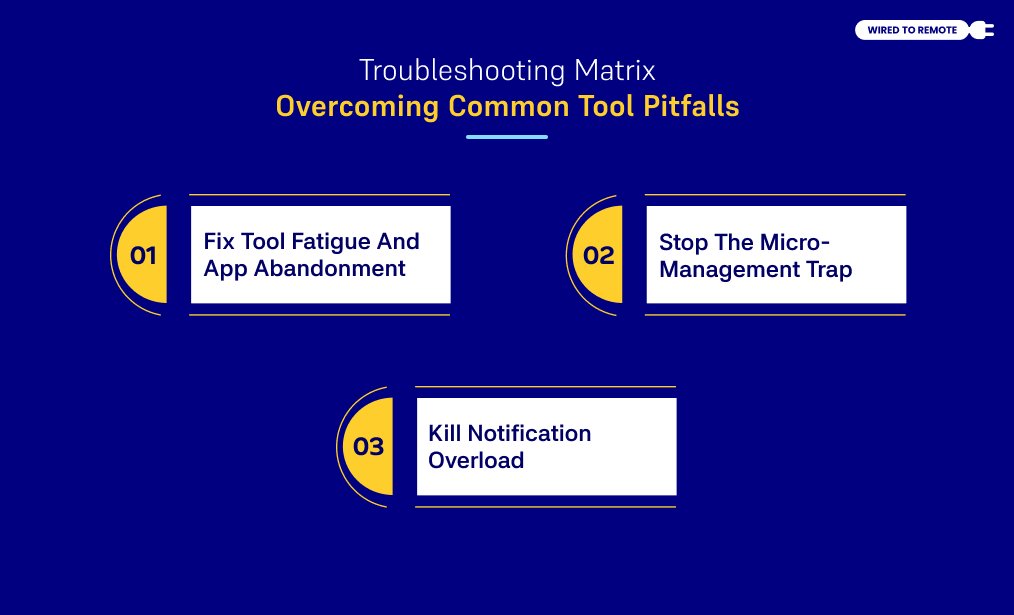
Project tracking frameworks often fail. Distributed teams face cultural traps. Software becomes an administrative burden. Managers must fix these structural failures fast. This saves team morale. It restores work speed.
Fix Tool Fatigue And App Abandonment
Tool fatigue hurts remote teams. Employees spend hours logging tasks. They stop doing real work.
Overly complex workflows cause this issue. Too many custom fields frustrate users. Complex tagging steps slow them down.
Remote workers then quit the software. They use private notepads instead. They hide in chaotic chat threads.
Managers must strip down task layouts. Limit mandatory fields to three variables:
- Task Owner
- Due Date
- Current Status
Run seasonal workflow audits regularly. Delete unused fields immediately. Keep task updates under three clicks.
Stop The Micro-Management Trap
Micro-management destroys remote teams. Never use software to spy on workers.
Avoid tracking employee keystrokes. Stop taking randomized screenshots. Do not monitor mouse movements.
Surveillance destroys workplace trust. It forces staff to fake productivity. Remote talent burns out fast.
Leaders must shift company culture. Track achieved milestones instead of logged hours.
Reframe time data as a scoping tool. Use logs to plan future workloads. Prevent resource over-allocation this way.
Kill Notification Overload
Unchecked software creates digital noise. Platforms blast constant email alerts. They send endless push notifications.
Minor edits trigger pointless chat pings. This noise breaks deep focus. It causes chronic workplace anxiety.
Enforce strict workspace notification rules. Workers must disable global alerts.
Configure profiles for direct mentions only. Send alerts to primary task owners. Protect your team’s focus time.
Security And Compliance Safeguards In Project Tracking In Remote Work
Decentralized teams create data risks. Corporate assets move across home networks. Intellectual property sits on personal devices.
Unsecured project hubs invite data leaks. Companies face massive regulatory fines. Hackers steal vital client records.
Secure your project perimeter immediately. Safety is non-negotiable here.
Use Role-Based Access Control (RBAC)
Distributed teams use many workers. They hire full-time staff. They contract third-party agencies. They onboard independent freelancers.
Universal visibility creates data liabilities. Protect your digital workspace. Build strict RBAC frameworks inside platforms.
Isolate contractors to specific project views. Block access to broad client portfolios. Protect internal financial spreadsheets. Keep HR onboarding pipelines private.
Require SSO And Multi-Factor Authentication
Weak passwords invite cyber attacks. Hackers breach fragmented accounts easily.
Mandate centralized Single Sign-On (SSO) systems. Integrate systems like Okta or Google Workspace.
Centralized identity management protects data. Require Multi-Factor Authentication (MFA) for logins.
IT departments gain total control. They revoke access keys instantly. Offboarding departures become completely safe.
Secure Corporate Data Transmissions
Encrypt every uploaded document safely. Use AES-256 encryption standards. Protect data at rest. Secure data in transit.
Check your software vendor’s compliance history. Confirm SOC 2 Type II certifications. Verify GDPR and HIPAA alignments.
Deploy automated system filters. Flag unauthorized personal data uploads. Block unencrypted sensitive text entries.

Leave A Comment