

- Clockify vs Toggl Track are both time tracking tools that help in managing project timelines and resource allocations.
- Both have dynamic features and time management techniques.
- Clockify is best suited for — Freelancers with individual projects, Limited app integration, Budget constraints, and Basic time records.
- Toggl Track is best suited for — Team projects, Big enterprises, Diverse app and tool integration, and Streamlined workflow.
Once you are right out of the office cubicle, it becomes hard to keep track of your time. You never know when and how the time slips away, while you’re submerged under a pile of work.
That’s where a time tracking app comes to your rescue. With its dynamic features and time management techniques, you get to take your productivity to the next level.
Currently, the market is flooded with countless time trackers. Promising remote workers the best time management techniques.
But the question lingers — What is the best time tracking tool?
Well, out of the many, Clockify and Toggl Track are getting the maximum limelight. Naturally, I have tried them both — comparing their functionalities and benefits.
Even though they both are time tracking tools, they have different features. And, both are perfect for different kinds of remote workers. So, choosing one blindly won’t get you the results.
In this blog, I have covered a detailed comparison of Clockify vs Toggl Track. Delving into their features, limitations, pricing plans, app integration, and functionalities.
Stay tuned!
What Is A Time Tracking App?
In a remote setup, a time tracking tool is the need of the hour. It has the perfect set of features and techniques that help in managing work hours properly.
So, you can use the tool to record the time entry on specific tasks, analyze the time spent, and create reports.
By tracking how the workers are utilizing their time, you get a better insight into the project deliveries, workforce productivity, and efficiency in resource allocation.
So, based on the reports, you can improve work efficiency.
Why Do Remote Workers Need A Time Tracking Tool?
Time tracking tools offer countless benefits for both remote workers and businesses. Making it an essential item in the remote work starting kit.
Some of these benefits include:
- Accurate time tracking for each task.
- Insightful reports on project progress and resource utilization.
- Proper management of work hours.
- Improve overall performance and productivity.
- Making informed decisions about planning and allocation tasks.
Clockify Vs Toggl Track: Key Differences Overview
| Aspects | Clockify | Toggl Track |
|---|---|---|
| User-Interface | Cluttered and disorganized design; Difficult to navigate. | Intuitive design; Easy to use and navigate the features. |
| Features | Task management tools, Timesheets, Kiosk sharing, Calendar management, Reports, and Tracking dashboards | Editable time entries, Collaborative time tracking, Pomodoro timer, Analytics dashboard, and Time reports |
| Device Compatibility | iOS, Windows, Linux, Android, and Web browsers | iOS, Windows, Android, Linux, and Web browsers |
| App Integration | Up to 29 app integrations. • Productivity apps— Asana, Trello, Jira • To-do apps — Todoist, Monday • Other apps — Gitlab, Salesforce, Clockify API | Over 100 app integrations. • Productivity apps— Asana, Jira • To-do apps — Todoist, Google Calendar, Evernote • Other apps — Gitlab, Salesforce, Slack, GitHub, Toggl Track API |
| Privacy Features | Less employee privacy with GPS tracking and Force Timers. | More employee privacy with no GPS tracking or remote screenshots. |
| Pricing Plans | Semi-paid platform — both free and 4 monthly or yearly premium plans with a 7-day free trial. | Semi-paid platform — 1 free plan and 3 monthly or yearly premium plans with a 14-day free trial. |
| Performance Ratings | 4.4/5 | 4.6/5 |
| Best For | • Freelancers • Small businesses • Hybrid workers | • Freelancers • Both small businesses and big enterprises |
Clockify
Clockify is a time-tracking tool that helps in managing team projects, tracking timelines, and recording time entries.
With its insightful time reports, you get to allocate and schedule the tasks and events properly. So, you can monitor the progress and manage time utilization properly.
In addition to this, it offers GPS tracking and Force Timers to record the exact time and location entry for remote employees. Giving them less privacy and authority.
Key Features Of Clockify
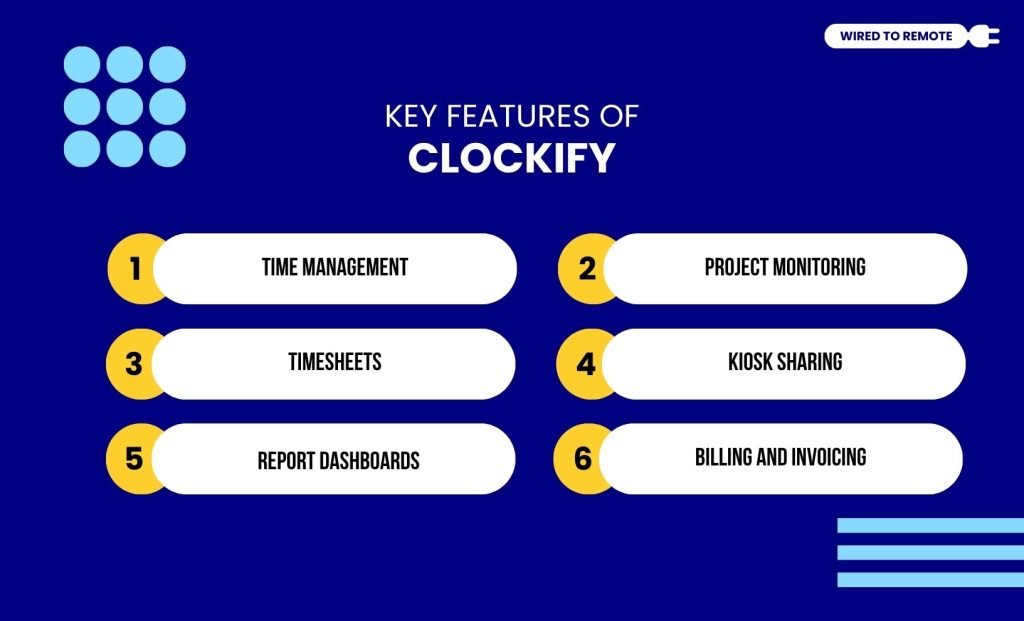
- Time Management — It has a real-time timer for time entry and time off, helping in manually recording the time stamps.
- Project Monitoring — You can track the progress status of the team projects and adjust the timelines with customizable tools.
- Timesheets — Weekly and monthly time spent on tasks is recorded for analyzing the work productivity.
- Kiosk Sharing — Easily share your time stamps with other platforms using the PIN passwords.
- Report Dashboards — It generates detailed dashboards on the time analysis over the weeks or months for reporting the insights.
- Billing And Invoicing — Also, it manages the billing and invoicing of client orders with accurate time slots.
What Are The Disadvantages Of Clockify?
Even though Clockify offers robust features and time management techniques, it has certain limitations that prevent it from becoming an all-in-one time tracker.
- Its complex and cluttered user interface makes navigation difficult.
- Privacy-hampering features make it intrusive.
- The free plan layout can feel cluttered and hard to read.
- The mobile app version frequently lags and drops background timers.
Toggl Track
Similar to Clockify, Toggl Track is also a time tracking tool that helps in managing time and project timelines. So, it is used as an alternative to Clockify.
However, their features are quite different. For instance, Toggl Track has a more intuitive and user-friendly design than Clockify. Making navigation easy and efficient.
In addition to that, it offers a range of app integrations for a streamlined workflow. So, you can simply rely on one app for managing your entire project.
Key Features Of Toggl Track
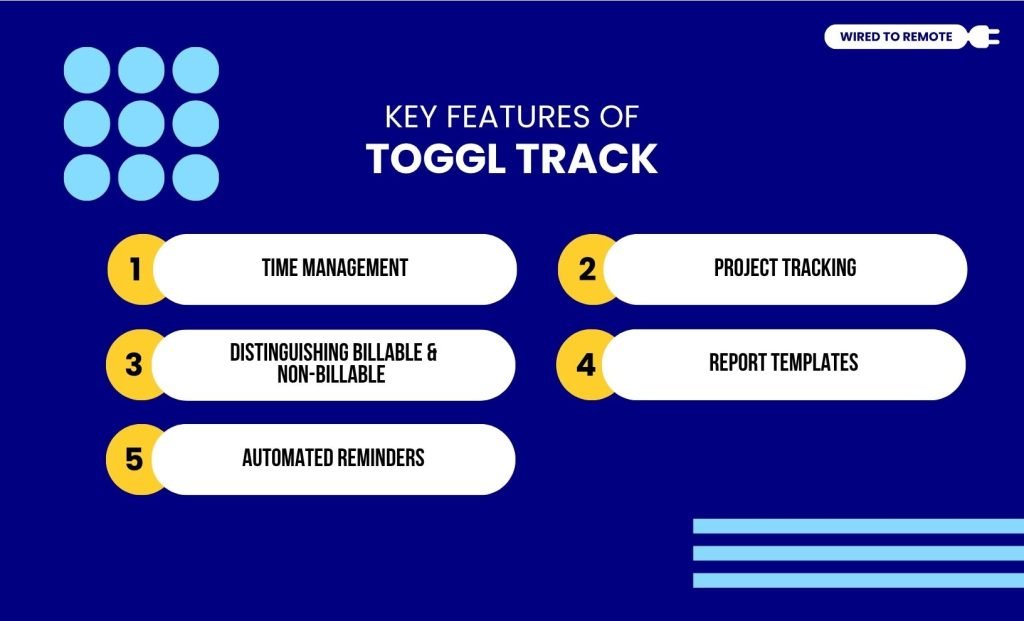
- Time Management — It provides a set of tools that help in recording real-time for time stamps. Also, the one-click timer enables the timer to run in the background.
- Project Tracking — You can manage multiple projects by creating different timelines and tracking their progress.
- Distinguishing Billable And Non-Billable — For different kinds of work, it allows you to distinguish between billable and non-billable work hours.
So, you can record the time spent on different kinds of work easily without needing to elaborate.
- Report Templates — It generates visuals and templates for the reports and analytics. So, you can export them across diverse platforms.
- Automated Reminders — Apart from tracking, it also sends automated emails and reminders for missed time entry and a weekly time overview.
What Are The Disadvantages Of Toggl Track?
Compared to Clockify, Toggl Track offers more diverse features and time tracking techniques. However, it also has some limitations.
- It lacks a built-in client invoicing tool, meaning you cannot generate bills directly inside the app.
- Pricing plans make it less affordable for small-scale businesses.
- Its calendar has only basic time tracking features. So, you cannot plan task division in detail.
Clockify vs Toggl Track: What Is The Best Time Tracking Tool?
To know the best time tracking app in the market, here is a more detailed comparison between Clockify and Toggl Track.
1. Time Tracking And Reporting
When it comes to everyday logging, their design philosophies differ completely.
Clockify forces you into a single, rigid list view where you have to switch back and forth to the main menu just to click start or stop.
Even worse, you cannot log a task as a quick stopwatch.
Clockify completely locks you out unless you create or attach an existing project first, which quickly litters your workspace with messy placeholder titles.
On the flip side, Toggl Track is beautifully flexible. It lets you log time instantly without needing a project attached.
As a digital nomad, my favourite feature is the ability to switch between its classic List View and its drag-and-drop Calendar Timeline View.
This tracks your day visually, meaning if you leave your browser running,
Toggl’s built-in Autotracker automatically logs time based on the active windows you open so you never lose billable hours.
2. Pricing Models And Subscription Plans
Apparently, both Clockify and Toggl Track are semi-paid platforms. So, you can choose between their free and premium plans. Their subscription plans are:
| Feature / Plan Details | Clockify | Toggl Track |
|---|---|---|
| Free Plan Cost | $0 (Forever) | $0 (Forever) |
| Free Plan User Limit | Unlimited users | Strictly max 5 users |
| Free Plan Feature Limit | Unlimited tracking & projects | Includes basic tracking & Pomodoro |
| Entry Paid Plan | $4.99 per user/month | $10.00 per user/month |
| Mid-Tier Paid Plan | $6.99 to $9.99 per user/month | $20.00 per user/month |
| Best Budget Choice For | Large teams on a strict budget | Solopreneurs and tiny teams |
3. Third-Party Tools Integration
If you need to bill clients directly, Clockify includes a built-in invoicing system where you can create and send professional invoices based on your logged hours.
Surprisingly, Toggl Track does not build actual invoices.
Instead, it generates beautiful, clean time-report graphics that you can export as a PDF for your clients.
However, Toggl Track far surpasses Clockify in software integrations.
Toggl integrates seamlessly with over 100 native apps (such as Asana, Jira, and Todoist) via a simple browser extension.
Clockify is a bit more limited, connecting natively to around 29 apps.
Things To Keep In Mind Before Choosing Clockify Vs Toggl
Now that you have the ultimate comparison layout, how do you pick the winner? It all comes down to your team size, your tracking style, and your software budget.
· Choose Clockify If
You are managing a large team on a tight budget and need a 100% free tool with no user caps.
It is also the ideal choice if you want to create official client invoices directly inside the app or require GPS location tracking for outdoor workers.
· Choose Toggl Track If
You are a freelancer, digital nomad, or small creative agency that values a clean, beautiful design.
It is perfect if you hate manual clocks and want automatic timers, high-end visual reporting, and zero-invasive employee surveillance.
Additionally, if a freelancer leaves your team or goes on a long holiday, Clockify forces you to permanently delete their profile to stop paying for their seat.
This completely deletes their data trail.
However, Toggl Track offers a much smarter team workflow by allowing you to deactivate members without removing them.
This locks their seat and saves your budget, while safely keeping all of their historical time-tracking archives intact for future client audits.



Leave A Comment