

With a rather positive rating of 4.3/5 on Trustpilot, the topic or the item that we are going to talk about today is Nomad eSIM.
We love the idea of working remotely, living as a digital nomad, the concept of being able to “work from anywhere” in the world.
But after years of dissecting this lifestyle and dynamic shift in work-life, there’s one thing that I have realized. One thing that people rarely talk about.
The importance and hurdles of communication.
And no, I am not talking about how difficult it is for a young woman from South Korea to order a cup of coffee sitting at a local cafe in France. I am talking about the problem that arises in staying in contact. Literally.
You might think of getting a local SIM and managing the roaming charges. But honestly, all of these will only make the experience sour. And I am not even getting into the fact that it will soon add to your budget.
Nomad eSIM has decided to come to the rescue as a knight in shining armor. With the mission of making it easier to stay connected, their service has quickly become popular among digital nomads.
If you are trying to understand what it is, how it works, where can you use it, and what are the charges, I have got your back.
So, keep reading!
What Is Nomad eSIM And How Does It Actually Work?
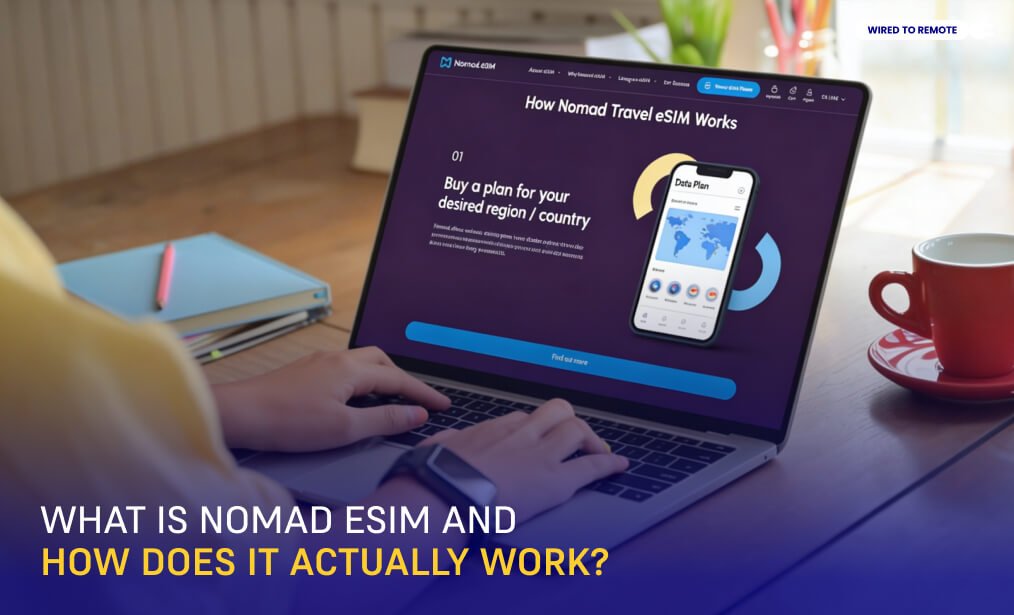
An eSIM is a programmable microchip. Manufacturers build it directly into your phone’s motherboard. Consequently, you do not need a physical plastic card. You simply download network profiles over the air.
In my years tracking this space, I have watched Nomad grow as a Mobile Virtual Network Operator (MVNO). The company does not own cellular towers.
Instead, they buy data capacity in bulk from top global carriers. Then, they resell this data through a digital app marketplace.
The 4-Step Connection Loop
- Download: Install the official Nomad app from the App Store or Google Play.
- Select: Browse the marketplace and choose a plan for your destination.
- Install: Add the profile using the simple one-tap app function or an emailed QR code.
- Activate: Switch on data roaming when you land to connect with local towers immediately.
Device Compatibility
It is important that your phone be carrier-unlocked in order for it to take in secondary digital profiles. Luckily, many of the new phones nowadays have native support for this kind of arrangement.
Here are some of the phones where you can easily install Nomad eSIM:
- Apple: iPhone XR, XS, and all newer models.
- Google: Pixel 3a, 4, and all subsequent versions.
- Samsung/Android: Galaxy S20 series and later, alongside premium Motorola and OnePlus devices.
Nomad eSIM Review: The Core Pros And Cons (My Honest Assessment)
When I evaluated real user data logs, I found specific advantages and trade-offs that you should know about.
The Pros
- Broad Footprint: You get instant data in over 200 countries. Furthermore, regional bundles simplify multi-stop trips.
- Tier-1 Network Partners: Nomad connects you to premium local carriers like AT&T, Vodafone, and Singtel. Therefore, you bypass slow discount networks.
- Unrestricted Hotspot Tethering: You can share your data link with laptops and tablets. As a result, remote work becomes seamless.
- Risk-Free Testing: New users get a free 3-day, 1GB introductory package. This allows you to test network speeds with zero financial risk.
- Verified Platform Standing: Nomad holds a 4.3 out of 5-star rating on Trustpilot. Additionally, customer agents actively answer 99% of negative complaints.
The Cons
- Premium Heavy-User Pricing: High-capacity data limits often cost more than physical SIM cards bought at local street kiosks.
- No Analog Phone Nodes: These plans offer data only. Consequently, you cannot make standard phone calls or receive legacy text messages.
- Country-Hopping Overhead: Moving between unrelated countries requires separate installations. However, regional plans can solve this issue.
- Data Routing Latency: Certain global plans send traffic through distant global relay servers. This setup can increase your ping times.
Nomad eSIM Data Plan Pricing
Prices vary based on destination, duration, and data needs. Here’s how the Nomad eSIM pricing looks at the moment:
| Region | Data Plan Type | Nomad eSIM Pricing |
|---|---|---|
| Italy | Standard Tiers | $4 (1GB/7d)$6.50 (3GB/30d)$9.50 (5GB/30d)$15 (10GB/30d)$20 (20GB/30d)$35 (50GB/30d) |
| Unlimited Day Tiers | $11 (3d)$17 (5d)$23 (7d)$31 (10d) | |
| United States | Standard Tiers | $5 (1GB/7d)$9 (3GB/30d)$13 (5GB/30d)$15 (10GB/30d)$35 (20GB/30d)$49 (50GB/30d) |
| Unlimited Day Tiers | $11 (3d)$17 (5d)$23 (7d)$31 (10d)$49 (20d) | |
| Europe Regional | Multi-Country | $5.50 (1GB/7d)$12 (3GB/30d)$14 (5GB/30d)$18 (10GB/30d)$37 (20GB/30d) (35 Countries) |
| Global Tiers | Cross-Continent | $40 (10GB/180d)$68 (20GB/365d)$170 (50GB/365d) (54/82 zones) |
I found that Nomad wins on value for standard mid-tier plans. For instance, you pay just $15 for 10GB in the US and Italy. (Source: Nomad eSIM Plans)
Nomad’s short-term unlimited bundles also routinely beat Saily and Airalo. However, for trips lasting over 90 days, I recommend local physical SIM cards for better bulk pricing.
Nomad eSIM Real-World Network Speeds And Latency

In major cities across Europe, Japan, and North America, I noticed that users enjoy very fast internet.
Real-world 4G and 5G download speeds sit reliably between 75 Mbps and 100 Mbps. Therefore, you can easily host HD Zoom calls, upload giant code files, and stream video content.
The Technical Routing Bottleneck
Download speeds remain high, but I want to flag a technical detail that impacts performance. Specifically, Nomad routes regional cell traffic through international wholesale partner loops. (Source: Saily)
For example, a traveler using a phone in Mexico might have their data routed through servers in the United Kingdom first.
This routing loop does not reduce your total download capacity. Nevertheless, I noticed it can significantly increase your latency (ping).
As a result, you might experience lag when loading navigation maps, even with maximum signal bars.
Step-by-Step Guide: How To Install And Activate Nomad eSIM?
I always advise setting up your digital travel profile before your flight departs. Use your stable home or office Wi-Fi network to avoid connection issues.
Pre-Installation Check
First of all, a pre-installation check is necessary for you. For that, you will need to find out whether your phone is carrier-unlocked or not. Then, after that, you have to get the latest security patches for the operating system of your phone.
Method A: One-Tap App Installation (Recommended)
- Open the Nomad mobile app and head to the Manage eSIM menu.
- Select your newly purchased travel plan and tap Install eSIM.
- Follow the automated on-screen prompts to write the profile data directly onto your phone’s internal chip.
Method B: Manual Configuration (Backup Plan)
- Open your confirmation email on another screen to display your unique QR code.
- Open your phone’s network dashboard (Settings → Cellular → Add eSIM).
- Scan the QR code with your camera. Alternatively, paste the SM-DP+ address manually if the scan fails.
When you land at your destination, open your cellular menu. Set the Nomad profile as your primary data line, and turn on Data Roaming to get online.
Digital Safety And Privacy For Remote Workers
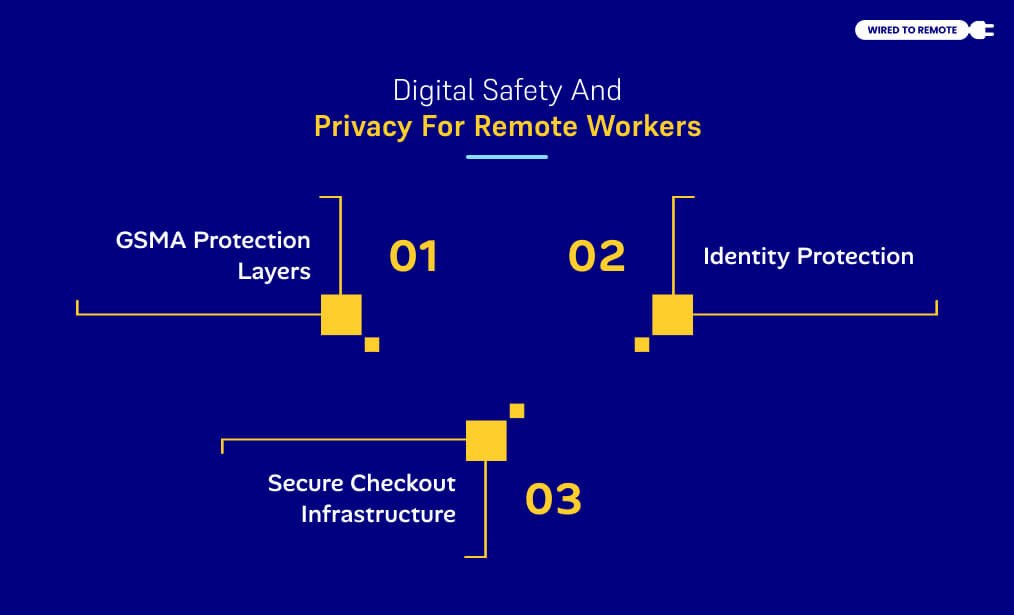
As digital nomads, I know we handle sensitive business work, client details, and banking data. Consequently, digital safety is a top priority.
- GSMA Protection Layers: Nomad uses GSMA-compliant encryption protocols. These tools protect the profile download and stop hackers from stealing your account identity.
- Identity Protection: Digital shopping keeps you safe from identity theft. I love that you do not have to give passport copies or physical documents to random street vendors.
- Secure Checkout Infrastructure: Nomad routes financial transactions through PCI DSS-compliant gateways. As a result, secure systems protect your credit card info, Apple Pay, and PayPal data.
Customer Support And The Critical Refund Trap
If something goes wrong in the field, Nomad manages customer service through a digital help desk.
Triage Tier (“Fin”)
First, an interactive AI support assistant named Fin handles your question. Fin scans corporate help articles to give you setup guides and instant troubleshooting steps.
Escalation Tier (Human Engineers)
If the AI assistant fails to restore your connection, Nomad moves your ticket to a human technician. You can reach them via email or the app chat.
I found that human engineers usually reply within 10 to 30 minutes. Furthermore, they send helpful screenshots to show you the exact settings to fix.
Note: If your data drops or fails to activate, do not delete the eSIM profile from your phone's settings. Removing the profile erases the technical error logs.Consequently, I must warn you that you will instantly void your refund eligibility under Nomad's 30-day technical failure policy.
Final Verdict: Should You Use Nomad eSIM?
I consider Nomad a highly reliable choice for digital nomads on short corporate trips, holidays, or quick city-hopping journeys.
The clean app interface, excellent Tier-1 carrier networks, and unrestricted hotspot tools keep your remote workstation online without any fuss.
However, if you plan to stay in a single country for multiple months, I suggest looking at other options.


Leave A Comment