

Working remotely can be freeing. But one of the major issues of remote work is time management.
Now that workers have ample hours, they tend to procrastinate or mismanage their time and end up —either reducing productivity or overexhausting themselves.
So, irrespective of the remote role, companies have started to track the total work hours to evaluate the productivity of the team. Allowing them to make informed decisions.
Additionally, tracking the total work hours allows companies to maintain accuracy and transparency with the payroll. So, the employees receive compensation for the exact hours they spend at work.
That’s why more and more remote companies are incorporating a time card calculator for its efficient timesheet management features.
But the confusing part is — “How to use it effectively in a remote setup?” Well, no need to look any further, your remote buddy’s got your back.
In this article, I have delved into the various intricacies and aspects of time card calculators by highlighting—
- Its features and benefits,
- Most benefited industries,
- Steps to use it, some tips, and more.
So, come dive right in!
What Is A Time Card Calculator?

First things first, paper-based timesheets are not suitable for remote teams. Mainly because they hinder the remote productivity, efficiency, and accuracy.
But a time card calculator allows users to calculate the total hours through digital time stamps. Making it easier to keep track of the work hours of employees in a remote setting.
Additionally, it includes clock-in, clock-out, and break durations. That is, based on the digital timestamps, workers can measure their duration of work and breaks.
Moreover, it integrates seamlessly with the payroll system. So, employers can exactly compensate the workers for their total hours at work.
Key Features Of Time Card Calculators
Most of the popularity of timecard calculators lies in their unique set of features and dynamic design. So, some of the key features include—
- Simple and User-Friendly Design: Firstly, the time card calculators offer a simple design with a user-friendly interface. So, diverse kinds of employees and employers can use the apps to track work hours.
- Automated Time Calculations: Moreover, it allows users to automate the time calculations. That is, it calculates the entire work hours based on the timestamps for clock-in and clock-out.
- Configurable Settings: Additionally, the calculator comes with a variety of customization options. So, companies can modify the timesheets, time recording features, and others based on the work policies.
- Payroll Integration: Also, it seamlessly integrates with the payroll system. That is, based on the total work hours completed, the payroll can be generated. So, it is accurate and lacks manual errors.
- Time Reports and Analytics: Finally, it provides the time reports and analytical insights about the teams and the entire company. So, the companies can make informed decisions and work time modifications with the insights.
Why Use A Time Card Calculator In Remote Teams?
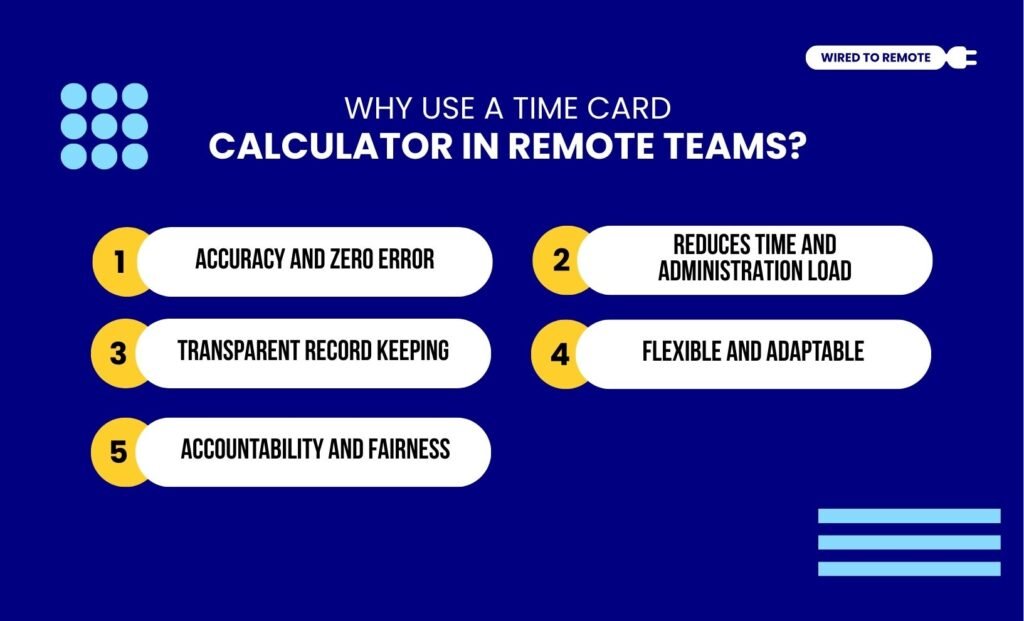
Even though it seems unnecessary, a time card calculator can be quite beneficial for remote teams. So, some of the key benefits include—
1. Accuracy And Zero Error
Firstly, time card calculators evaluate the time through digital stamps. So, it is less prone to making mistakes while generating the payroll. That is, it provides accurate data on work hours and hourly compensation for employees.
2. Reduces Time And Administration Load
Moreover, its automated integration with the payroll system reduces the administrative work and calculation time. So, the employees can focus on other prioritized work.
3. Transparent Record Keeping
In addition to this, the calculators keep clear and transparent records of employees’ — clock-in times, clock-out times, breaks, and total work hours.
This helps the companies to comply with the labor laws and regulations. So, when there is an audit, the companies can show transparent records of the total work hours.
4. Flexible And Adaptable
Also, the calculators have customizable features. That is, they are flexible and adaptable to the diverse needs of various industries.
So, different companies can modify the timesheets, work timings, and other details based on their policy. Making it easier to manage different payouts in a remote setup.
5. Accountability And Fairness
Finally, both the employers and the employees have access to the same time logs. So, both can check the work hours and break timings. Building trust between them.
Moreover, this also reduces the time theft practices in off-site setups. So, there is more accountability among the employees and fair practices at work.
Which Industry Most Benefits From The Time Card Calculator?
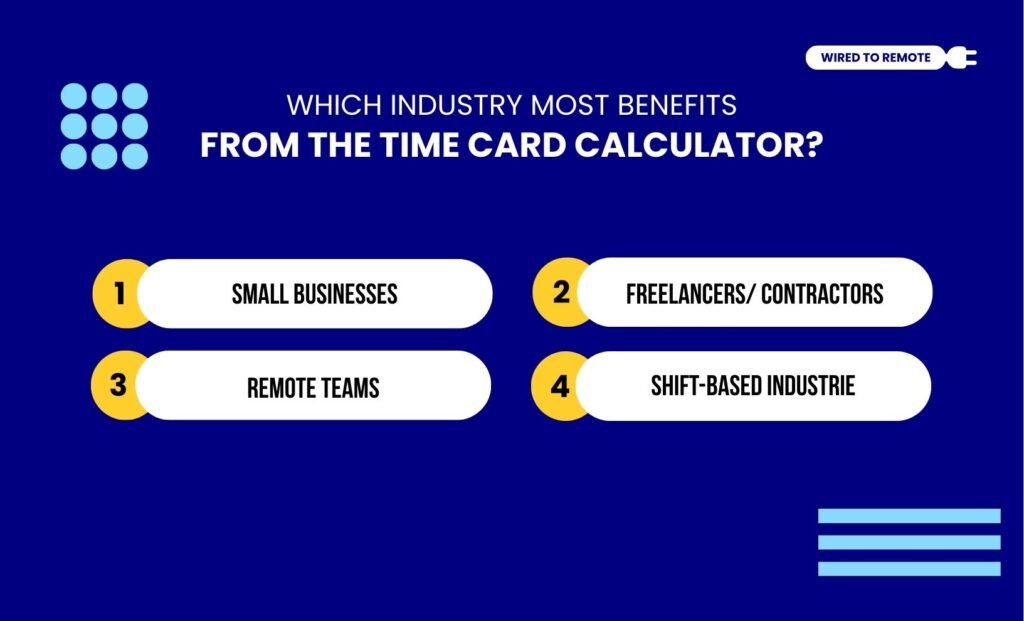
As a versatile time tracking tool, the time card calculator can be used by various industries. So, here are some of the sectors that mostly benefit from using a time card calculator—
- Small Businesses: Since small businesses have limited manpower for managing the HR work, a time card calculator can easily automate the work hour calculator and payroll generation.
- Freelancers/ Contractors: Alternatively, freelancers and contractors have no fixed work schedule. So, a time tracking tool can help in calculating the hours and hourly payments.
- Remote Teams: Also, remote teams are not physically present in the office. So, the time card calculator can compile the digital timestamps to calculate the total work hours of the employees.
- Shift-based Industries: Finally, in shift-based industries like healthcare or hospitality, time tracking is highly crucial. So, a digital tool can help in exactly calculating the shift timings and work hours.
How To Use A Time Card Calculator? A Step-by-Step Guide
Now, the tool is quite versatile for anyone to use. So, here are the steps to use the time card calculator for remote teams—
- Firstly, collect the accurate timestamps of clock-in and clock-out times of employees.
- Then, set daily or monthly work hour thresholds. So, the employees are aware of the total hours they need to stay active at work.
- After that, calculate the compensation pay of the employee by entering the hourly rates along with the work hours completed.
- Then, review the payment details before rolling out the actual compensation. This way, you can double-check and avoid making errors.
- After that, export the timesheets with the details of the work hours and break timings to keep them recorded.
- Finally, regularly update the tool and maintain consistency to ensure the tool performs at its best.
Things To Keep In Mind While Choosing A Time Card Calculator

There is no doubt that the time card calculator has revolutionized work hour calculations in a remote setup. But employing is not enough. So, here are some tips to keep in mind—
- Completely replacing the payroll software with a time card calculator is not wise. That is, it can be used as a support but not as the main tool.
- Moreover, manual supervision is required even with the time card tool. So, it does not completely remove manual work.
- Additionally, if you need to manage multiple shift timings with diverse hourly rates, you will need an advanced time calculator tool. So, choosing a basic one won’t suffice.
- Finally, as a time calculator, it cannot include bonuses, leave balances, or taxes. So, you need to consider these aspects before completely relying on it.
Now, with this little guide, anyone can use a time card calculator to track time and manage payroll.
So, if you are also struggling to balance time and hourly payouts, it’s high time to invest in a proper time calculating digital tool.
FAQs
Here are some of the common questions around the time card calculator that most remote workers look for.
Along with the normal hours, the decimal hours calculated on the time card calculator play an important role in payroll. That is, it helps to streamline the workflows, reduce manual errors, and ensure precise compensation. So, it improves the efficiency and the accuracy of the payroll management.
Lunch breaks and other small breaks should be timed with accurate check-in and check-out times. So, the hours spent in breaks can be removed from the total work hours of the employees. This way, the employees can get compensation for their accurate work timings and keep the payroll management transparent.
Unlike a paid or premium time card calculator, a free time card calculator comes with some limitations. That is, it lacks the efficient and advanced features of the time card calculator, customizing options, and payroll integration. So, users need to add third-party tools and software to enhance the utility of the free calculator.



Leave A Comment