
With remote work on the rise, virtual meetings are the norm for streamlined workplace communication.
But, since these meetings are hosted on-screen, most people act a little casual around it. Forgetting the professional backdrop of the setup.
Moreover, knowing how to behave appropriately in these meetings can boost the team’s productivity. Making them work together more efficiently.
That’s where virtual meeting etiquette comes into play.
It allows remote employees to know the dos and don’ts for these team get-togethers. So, they don’t end up behaving inappropriately.
Here I have brought you a complete guide on the basic etiquette for virtual meetings, focusing on—
- Its relevance in remote teams,
- Common dos and don’ts,
- Ways to handle interruptions, and more.
So, come dive right in!
Why Virtual Meeting Etiquette Matters In Remote Teams?
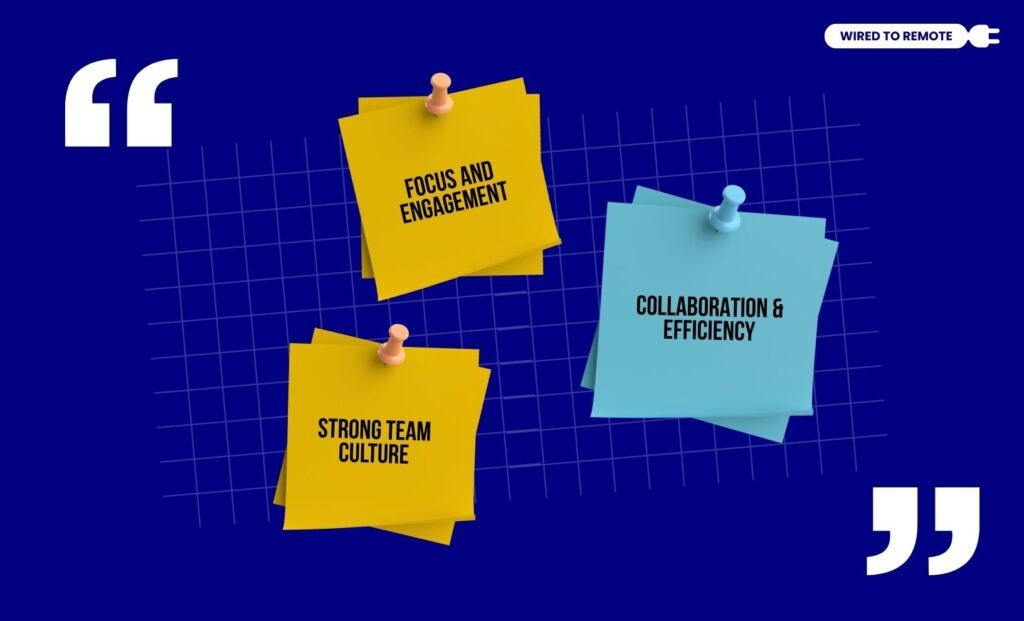
Before knowing the dos and don’ts of virtual meeting etiquette, let’s understand why remote teams need it. So, here are some of the reasons behind its relevance—
- Focus and Engagement: Firstly, it allows remote employees to focus and engage better with others during the virtual meetings. So, the communication among the team members becomes clear.
- Collaboration and Efficiency: Moreover, the etiquette can help in removing distractions and interruptions. So, the remote employees can collaborate efficiently, sharing their ideas.
- Strong Team Culture: Finally, the etiquette can help in encouraging the team members to build team bonds and active listening. So, the team can foster a strong culture.
Dos Of Virtual Meeting Etiquettes
Although the virtual meetings don’t require participants to be physically present, there are some etiquette that are considered appropriate.
So, here are some of the dos for remote meetings—
1. Pre-Meeting Setup
Firstly, employees should be prepared with the technology to attend the virtual meetings. That is, they should have stable internet connectivity, a working microphone, camera, and other essential tech items.
2. Sharing Agenda And Materials
Now, sharing the agenda, additional materials, and resources with the participants before starting the meeting can help them to get a clear idea about the purpose of the meeting.
So, they can be prepared with the right ideas and reports to contribute to the discussion. Making the meeting effective and efficient for all the team members.
3. Joining The Call On Time
Since virtual meetings start without checking how many people are in the room, it is important to join the call on time. This way, employees can be respectful of each other’s time.
4. Staying On Mute
Staying outside the office means the environment around remote employees is always filled with some kind of noise. So, it is better to stay on mute when you are not speaking in the meeting.
5. Using Video Mode
Unlike the microphone, keeping the camera on can ensure that all the team members are engaging and building connections with each other.
So, keep your video on while discussing your ideas and sharing your insights. Creating a more engaging environment in the virtual space.
6. Collaborating And Sharing Ideas
In addition to this, employees should actively collaborate and share their ideas in meetings. So, they can discuss and build team bonds effortlessly.
7. Staying On Topic
Also, it is better to stay on topic without deviating to something that doesn’t bring the team together. So, know the topic of the discussion and stay on it without distracting others with unnecessary deviations.
8. Respecting Multiculturalism
Given that remote work involves diverse kinds of employees from various cultures, it is important to respect their cultural customs.
So, employees should avoid disrespecting multicultural individuals intentionally during virtual meetings. This way, they can create a respectful and collaborative space for remote teams.
9. Summarizing Before Ending The Call
Finally, abruptly ending the call can leave the string of thoughts running loose. So, summarize the key points from the virtual meeting and conclude the meeting with everyone’s consent.
Don’ts Of Virtual Meeting Etiquettes
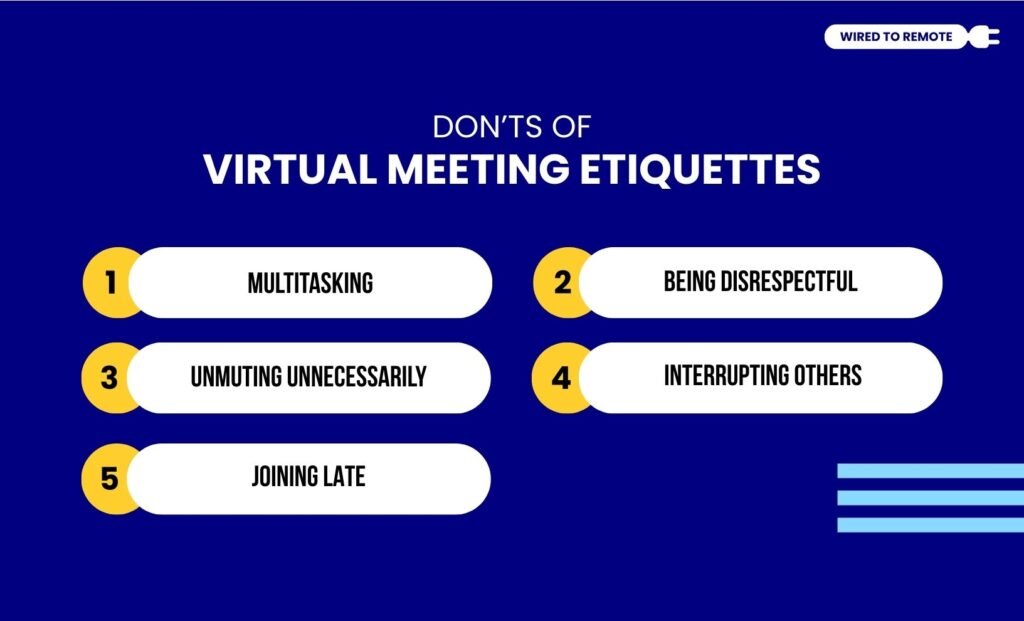
Just like there are some basic dos for virtual meetings, there are things that remote employees should avoid. So, here are the don’ts for virtual meeting etiquette—
1. Multitasking
Firstly, multitasking and losing focus in the virtual meeting can impact the smooth running of the meeting. So, it is better to avoid juggling a lot of things and focus on the agenda of the meeting.
2. Being Disrespectful
Moreover, disrespecting others intentionally during the virtual meeting is not only rude but also inappropriate. It can also disrupt the productive flow of the work and team meetings.
3. Unmuting Unnecessarily
Now, if there is background noise and you don’t have anything to say in the meeting, it is better to avoid unmuting unnecessarily. This way, employees can avoid unnecessary interruptions in the meetings.
4. Interrupting Others
Moreover, interrupting others while they are talking in the meeting is not appropriate. Especially in professional virtual meetings, it can cause disputes and affect team bonding.
5. Joining Late
Finally, joining the call late shows that you are inconsiderate of others’ time. And, this can be bad for building team bonds and collaboration. So, avoid late joining or inform earlier if you are going to join late.
How To Handle Interruptions And Challenges In Virtual Meetings?
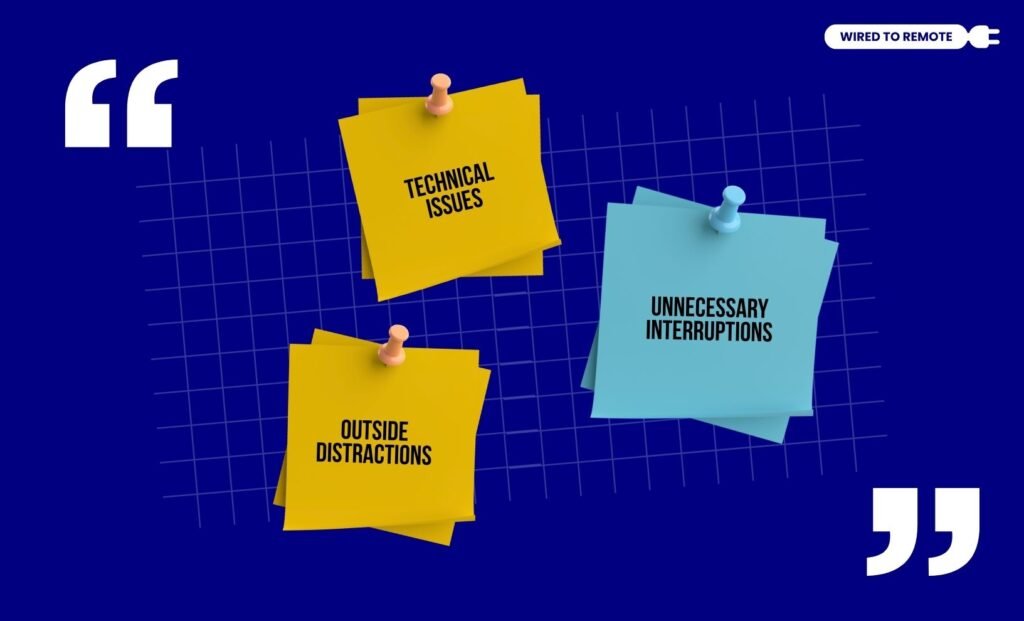
Interruptions and challenges can often disrupt the smooth flow of virtual meetings. So, knowing how to tackle them can help ensure the meetings run efficiently.
- Technical Issues: For technical glitches and connectivity issues, you can use proper tools, devices, and high internet connectivity. Also, you can keep a backup plan for specific technical situations.
- Unnecessary Interruptions: If there is unnecessary background noise or unexpected interruptions, then use moderators and simply clarify the interruptions to others in the meeting.
- Outside Distractions: Now, if other distractions are impacting the smooth running of the meeting, then you can ask everyone to mute themselves. So, everyone can focus on the one person who is speaking at the moment.
Common Etiquette Mistakes To Avoid In Remote Team Meetings
Now, even with all the dos and don’ts of virtual meeting etiquette, some common mistakes can impact remote meetings. So, here are some common mistakes that you need to avoid—
- Talking over others without letting them finish.
- Turning the video off when it is necessary.
- Muting themselves the whole time in the meeting.
- Forgetting to follow up after the meeting is over with minutes.
So, by avoiding these mistakes, employees can enjoy a smooth virtual meeting without facing any distractions or interruptions. This way, virtual meetings can be conducted professionally for remote teams.
FAQs
Here, I have delved into some of the common questions around virtual meeting etiquette that most remote workers look for.
No, absolutely not. Even though it is a virtual meeting, as long as the setting is professional, it is inappropriate to eat while others are on the call.
Moreover, eating during virtual meetings can be distracting to others. So, it is appropriate to avoid having heavy meals while attending virtual meetings.
In case your internet keeps dropping, it is better to restart the router and check the internet connectivity. Also, you can apologize for the network issues and stabilize the connection using a hotspot.
Yes, absolutely. Using virtual backgrounds completely depends on the person’s choice. That is, if you want to show your real background, you can, or else you can choose virtual backdrops.
Moreover, if it is a professional setting, then whatever the management decides should be followed. That is, if the management wants you to show a real background, then you might not be able to use the virtual ones.
Given that quiet employees feel shy to participate in extravagant environments, it is better to ensure that the environment is welcoming, low-pressure, and collaborative.
Then, you can encourage the quiet employees to actively participate in the virtual meetings. Making them feel welcomed and comfortable to share their ideas.


Leave A Comment