
As work culture is slowly shifting toward a remote setup, companies are highly relying on digital project management tools. But the valuable and sensitive project data stored in these tools becomes vulnerable to digital threats.
Moreover, as cloud-based file management systems emerged, the attack surface for cyber threats massively expanded. Making information security in project management tools a growing concern.
Among the countless project management tools, Monday and ClickUp are the most preferred tools for remote teams. With their dynamic features and unique capabilities, they have won hearts in no time.
But the real question is— “Which one is more secure to use for remote teams?”
Well, that’s exactly what I am going to debunk today. In this Monday.com vs ClickUp blog, I will be discussing the diverse security aspects by exploring the differences in their—
- Compliance certificates,
- Data encryption and privacy,
- User access, permission controls, and more.
So, come dive right in!
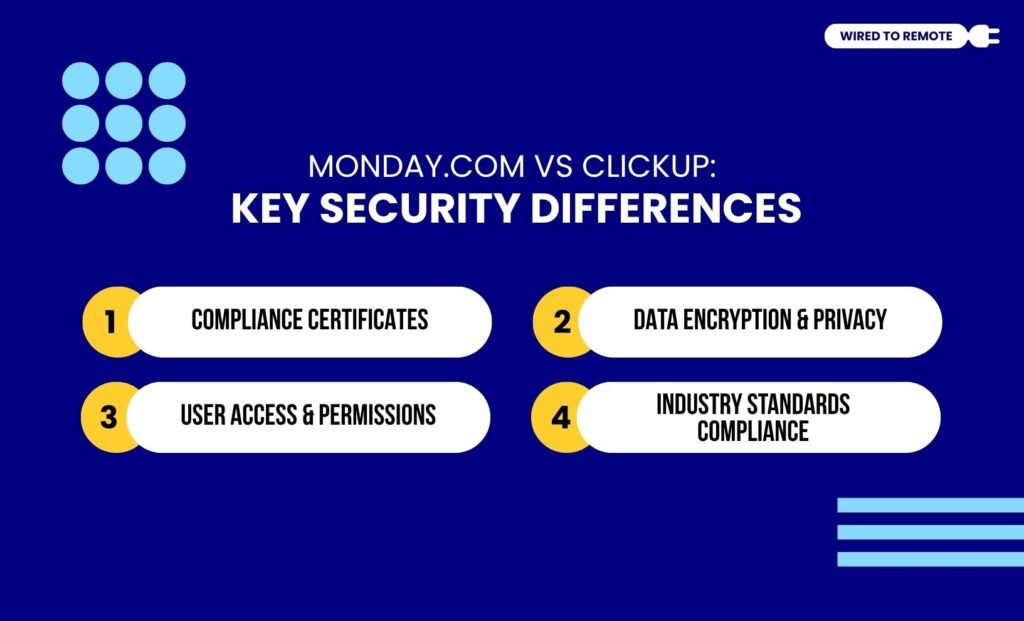
Monday.com vs ClickUp: Key Security Differences
Before understanding how the security systems are different for Monday and ClickUp, it is vital to know what these tools are actually used for.
For instance, Monday.com is more of a flexible and versatile project management tool that helps streamline the workflow for remote teams. Moreover, it is best known for its high customization capabilities.
On the other hand, CickUp is a professional project tracking tool with an extraordinary suite of diverse tools. That is, it comes with an extensive set of features for productivity tracking, task allocation, and resource utilization.
Since both work around large sets of data for managing multiple projects, they come with specific security systems.
But as they are not the same tool, the security also varies. So, here is a clear breakdown of their core security differences—
1. Compliance Certificates
In comparison, Monday is ISO 27001 certified. That is, it adheres to the international security standards for information management. Some of its compliance certificates include —
- ISO/IEC 27018:2019 — Protects Personally Identifiable Information (PII).
- ISO/IEC 27001:2022 — Provides a rigorous global security system.
- ISO/IEC 27017:2015 — Offers security for cloud services and data storage.
- ISO/IEC 27032:2023 — Provides network and internet security.
- ISO/IEC 27701:2019 — Offers Privacy Information Management System (PIMS).
On the other hand, ClickUp has a more basic compliance certificate of SOC 2 Type II compliance. That is, it highlights ClickUp’s prioritization in providing security controls.
Moreover, it also has the PCI Compliance certificate. So, it adheres to the security standards for storing, processing, and transmitting credit card information.
As the report from The Digital Project Manager points out—
Monday.com and ClickUp both offer robust security and compliance features, but their certifications and uptime guarantees differ slightly. To choose the right tool, evaluate which compliance certifications align with your industry requirements and consider the importance of uptime reliability for your team’s workflow.
2. Data Encryption And Privacy
Generally, both Monday and ClickUp provide a strong data encryption and privacy model. That is, they both use AES-256 for handling data encryption and TLS 1.2 for data while in transit.
But what strikes the most is that Monday offers robust security even under its lower pricing plans. Whereas, ClickUp offers simple and basic data encryption and PCI compliance. Making transactions safe and secure for users.
In addition to this, ClickUp has a 24/7 support system and GDPR compliance to help with monitoring and managing security. So, it helps in keeping an eye out for the background of the system.
3. User Access And Permissions
Since both tools have different security systems, the user access and permission models differ considerably.
For instance, Monday offers a simpler access management with its — Member, Viewer, and Guest — roles. But for Enterprise-level plans, it allows custom role specification to manage the controls and access permissions.
On the other hand, ClickUp comes with a granular permissions model with advanced controls for users. So, users can easily manage who can access and who cannot. This way, it allows the permission controls customization for complex workflows.
4. Industry Standards Compliance
Finally, Monday and ClickUp adhere to the compliance standards for most industries. Moreover, their robust security systems and compliance certificates make them fit for diverse global industries.
According to the global data security standards, Monday’s ISO certifications provide a broader adherence to information quality, security, and trust. But ClickUp might not meet the high standards with its SOC 2 compliance.
In addition to this, they both come with HIPAA compliance. Making them in compliance with the healthcare industry security standards. So, users can choose anyone based on the kind of security they need.
Monday.com vs ClickUp: Which One Is More Compliance Ready For Enterprises?
Technically, both Monday and ClickUp’s security systems and compliance certificates make them fit for Enterprise implementation.
But when compared, Monday is more suitable for enterprises that have stringent regulatory requirements. So, with its highly compliant suite of certifications, they can adhere to the industry standards.
On the other hand, ClickUp has essential compliance features. So, it is more suitable for teams that need robust security controls. Additionally, its control customization capabilities make it perfect for firms that need custom permission models.
Tips For Choosing The Right One

Just knowing about Monday.com vs ClickUp is not enough. To find the right tool for your remote team, you need to know how to choose between them.
According to the report on Zapier about the two tools—
If you prefer to jump into a tool without wading through extensive tutorials, monday.com might be more your speed. While ClickUp offers a plethora of features that cater to those who love tinkering and exploring, it might feel a touch overwhelming for those who prioritize ease of use. If you’re after a more streamlined experience and have a larger team to manage, monday.com could be the better fit.
So, to choose the right platform, here are some tips—
- Evaluating the compliance requirement of your specific industry.
- Considering the scalable capabilities of the tools before choosing.
- Assessing the support system of each tool with the compliance-related queries.
Now, the battle of Monday and ClickUp is not going to end soon. But choosing the one that better suits your needs and industry compliance requirements is the key.
So, go ahead and choose either Monday or ClickUp to ensure the sensitive project data is stored securely, far from the clutches of cyber criminals.
FAQs
Here are some common questions around ClickUp and Monday that you can check.
Yes, absolutely. Under its Enterprise Plan, Monday.com handles HIPAA compliance efficiently. But the compliance is handled only when the business has signed a Business Associate Agreement (BAA) and has a minimum user count of around 25. This way, it ensures that both the business and the customers protect the data according to the standards of HIPAA.
Yes. Since ClickUp offers a robust security system with diverse features for governance, risks, and compliance activities, it can be used for managing financial services compliance. But it’s more like a task or project management tool. Rather than an all-encompassing regulatory reporting platform that some specialized financial services look for.
Yes, absolutely. Unlike other apps, ClickUp provides a comprehensive audit trail for all its user activities. So, it includes all the user data — login, logout, permission changes, and task history. Moreover, the users can access this trail in the Audit Logs section of the Settings.
Between the two — Monday and ClickUp — the former is a better platform for healthcare industry compliance. Since Monday provides a specific Business Association Agreement (BAA) under its Enterprise Plan, which is technically a non-negotiable agreement for the healthcare industry with HIPAA compliance, it is a preferred platform.


Leave A Comment